
Native iPhone option
Apple Contacts और iCloud simple edits में मदद कर सकते हैं, लेकिन bulk review limited है और destructive changes audit करना मुश्किल हो सकता है.
यह page बताता है कैसे messy contact names ठीक करना. Apple Contacts और iCloud simple edits में मदद कर सकते हैं, लेकिन bulk review limited है और destructive changes audit करना मुश्किल हो सकता है.
Contacts कैसे मदद करता है
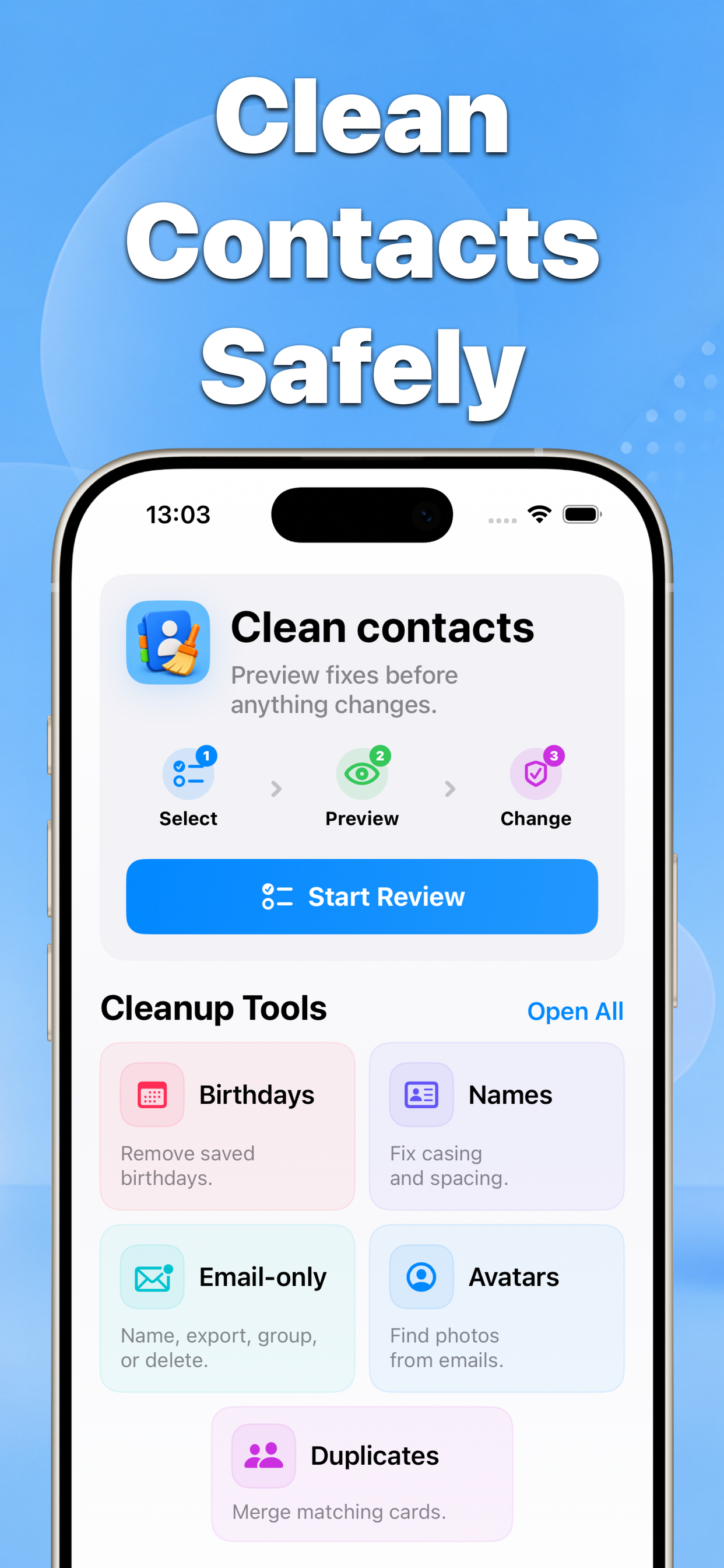
Contacts matching contacts scan करता है, before-and-after preview दिखाता है, और केवल confirmed changes apply करता है.
पहले messy contact names ठीक करना
बाद Names ठीक करें
यह क्यों मायने रखता है
कैसे messy contact names ठीक करना | Contacts focuses on a practical problem: contacts are personal data, so a cleanup tool should make the next action obvious before anything is saved.
- Blind bulk edits नहीं
- Before-and-after results
- iPhone contacts के लिए बनाया गया
Recommended workflow
- Cleanup tool चुनें.
- Review करने वाले contacts या groups चुनें.
- Result preview करें और changes confirm करें.
FAQ
क्या Contacts contacts automatically बदलता है?
नहीं. App changes save होने से पहले previews और confirmation screens पर आधारित है.