
Cleanup tool चुनें.
iPhone contacts सुरक्षित तरीके से साफ करें
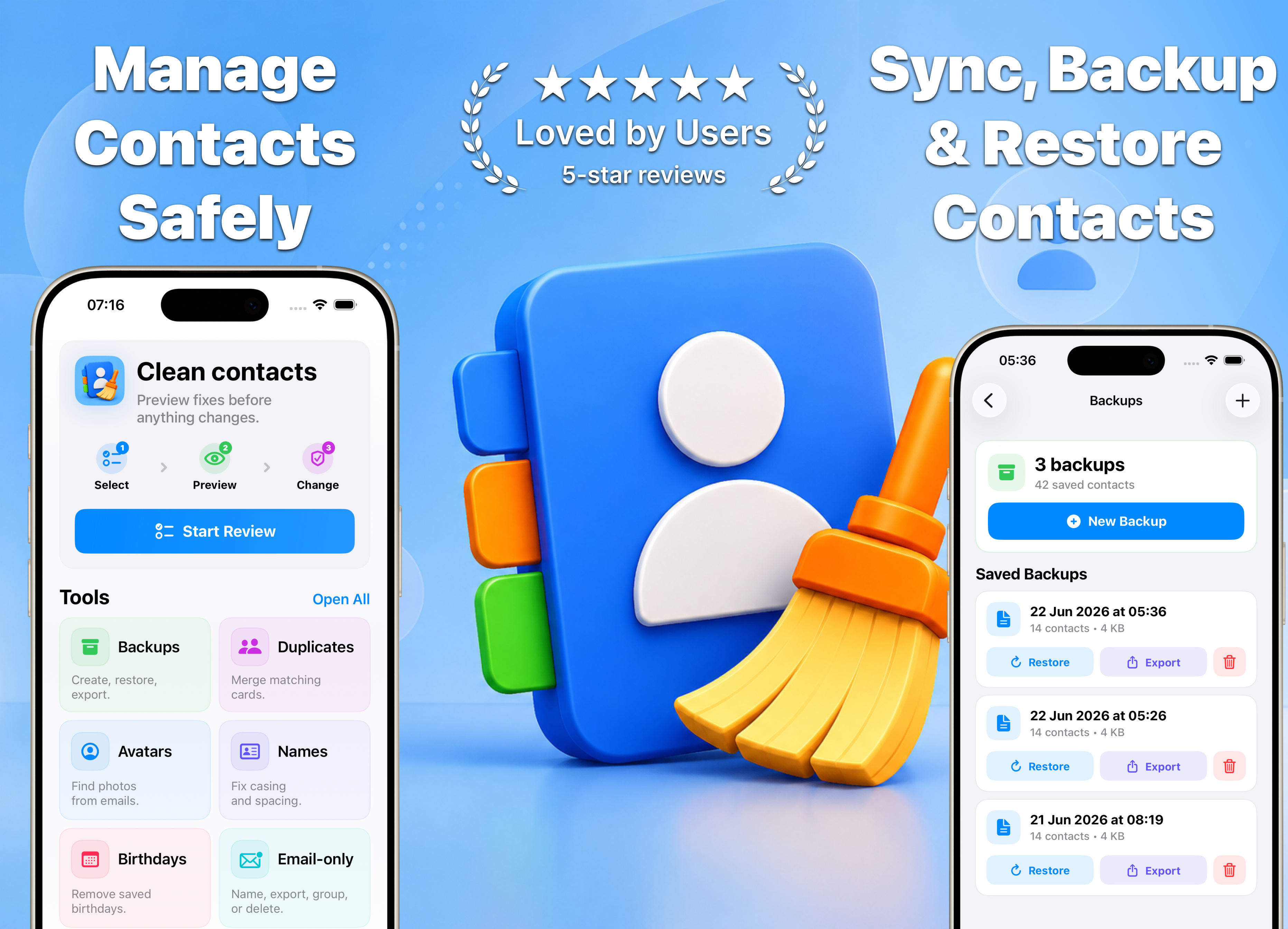
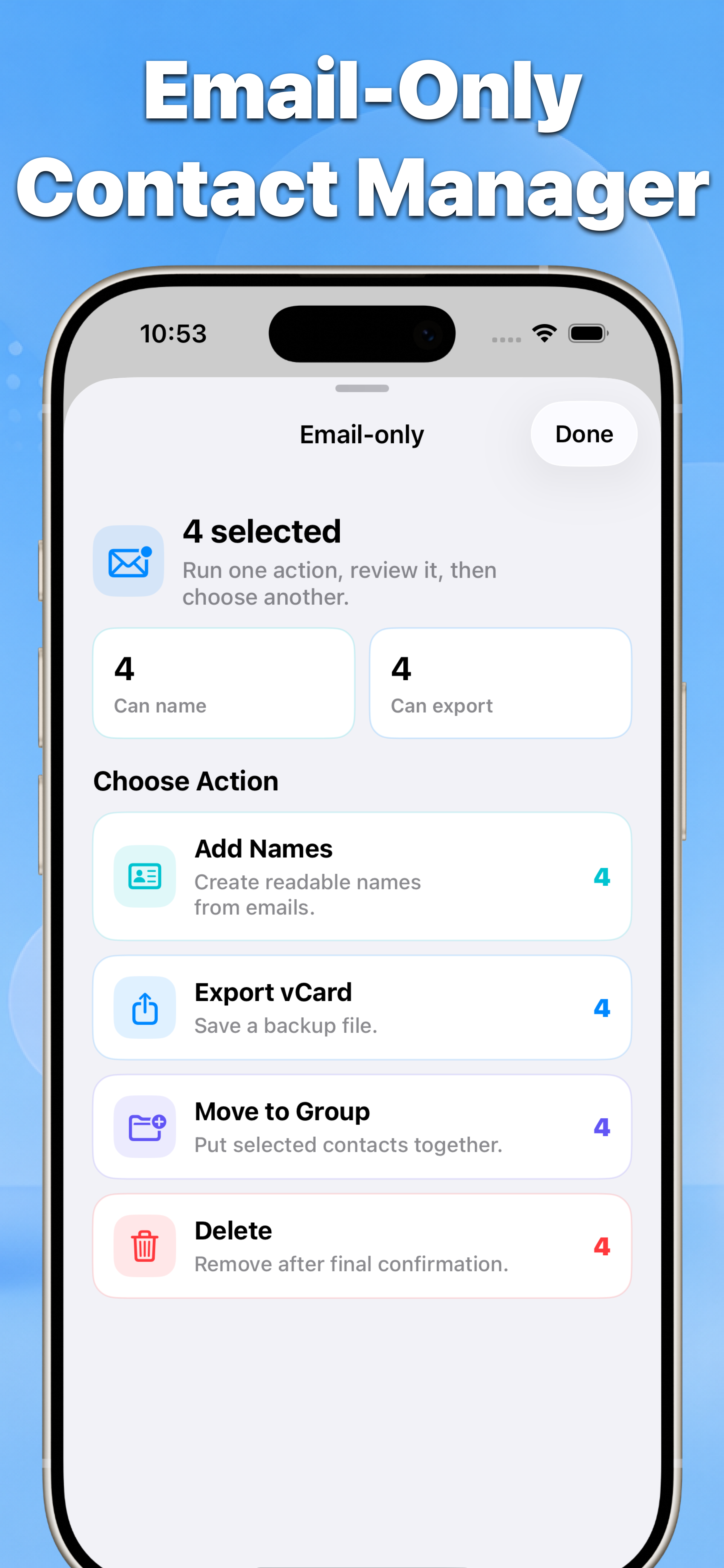
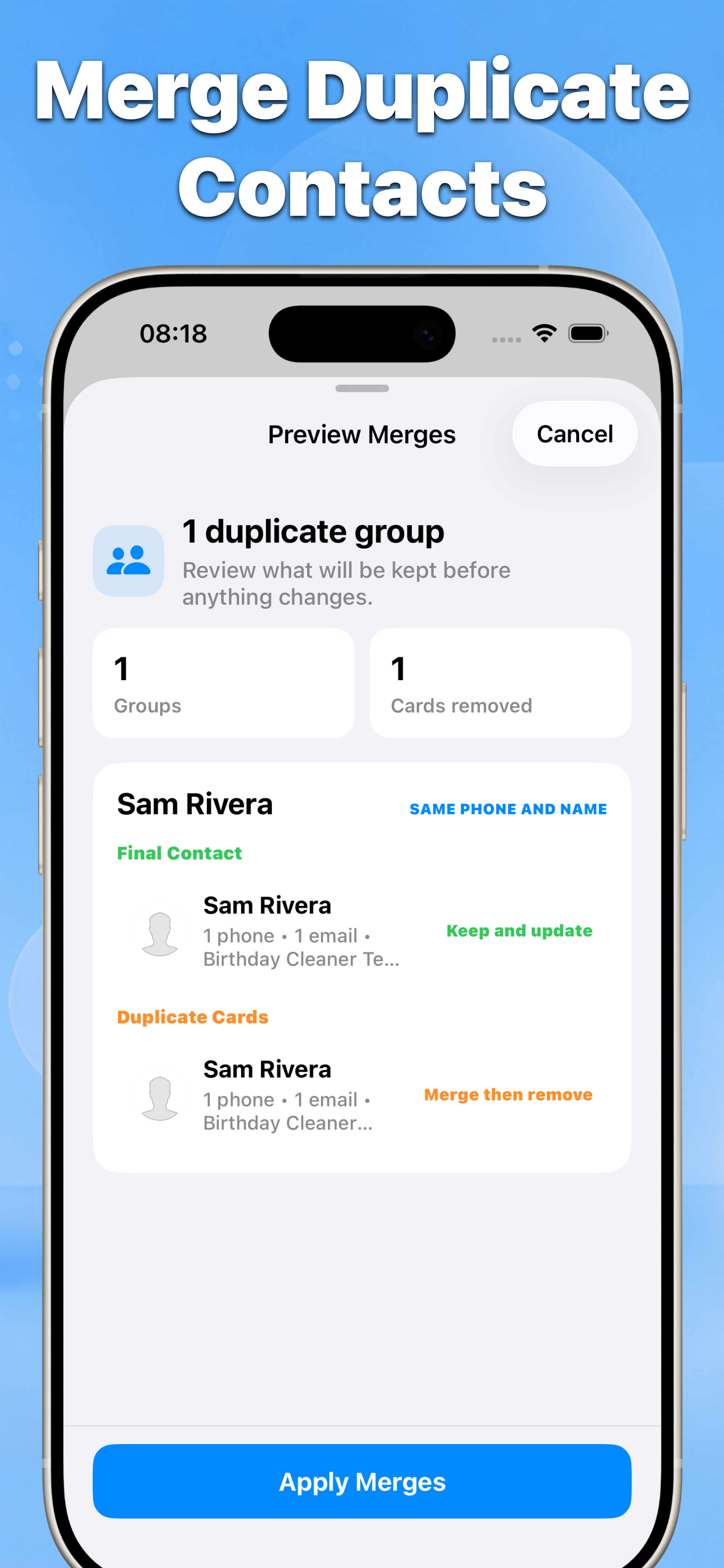
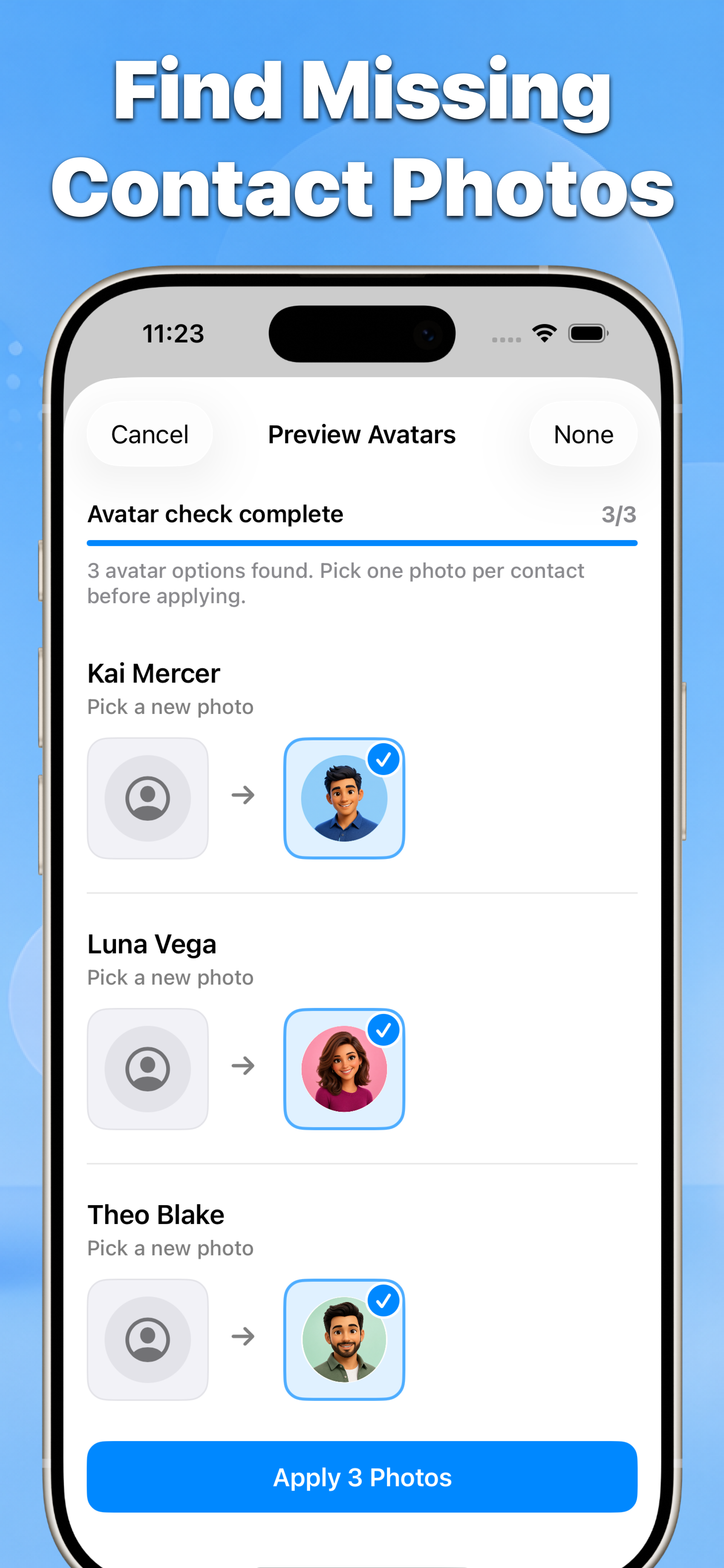
Duplicates, email-only contacts, messy names, birthdays और missing photos खोजें. Dated vCard backups बनाएं और हर change apply करने से पहले preview करें.
- 01
- Blind bulk edits नहीं
- 02
- Before-and-after results
- 03
- iPhone contacts के लिए बनाया गया
फीचर
Messy address books के लिए एक review flow
Contacts imports, sync conflicts और सालों के iPhone use से बने contact problems पर focus करता है.
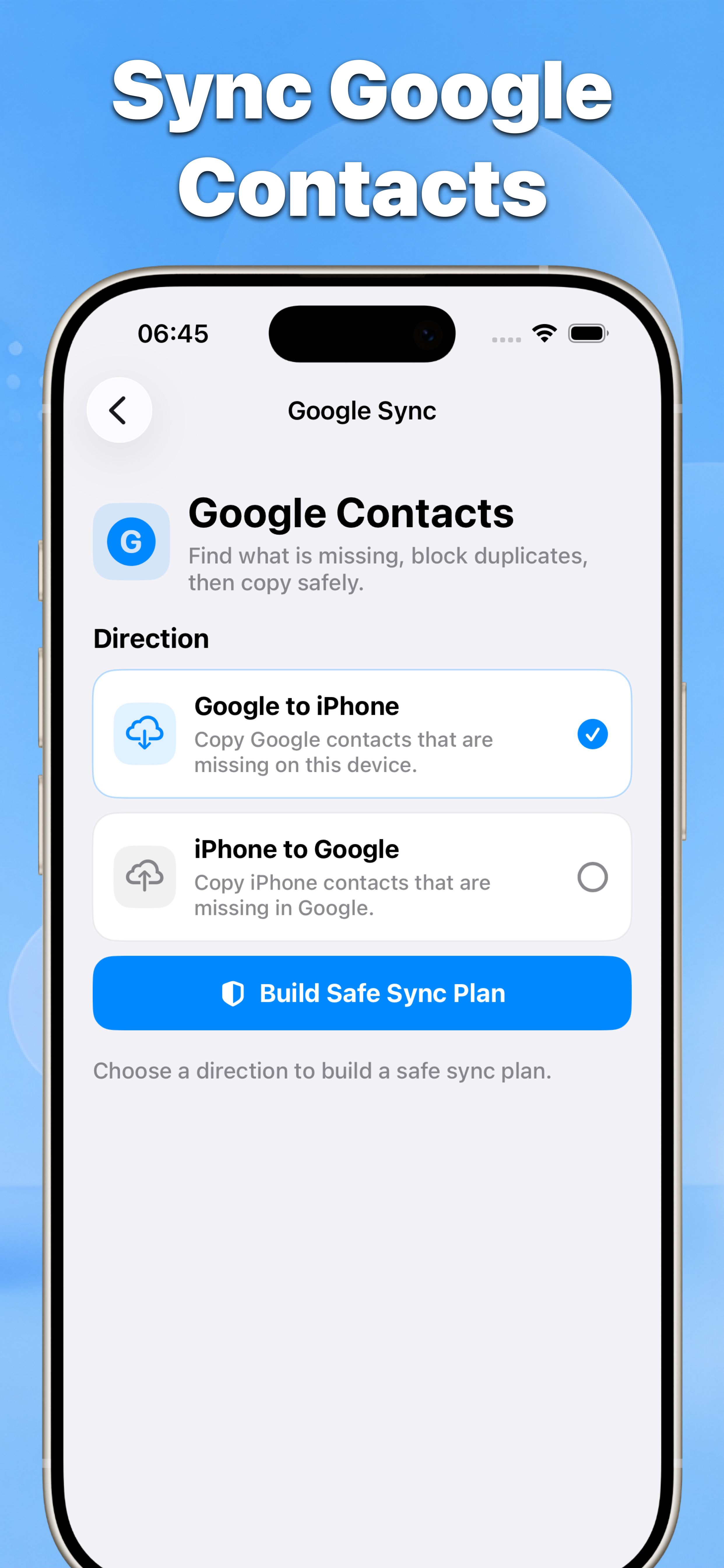
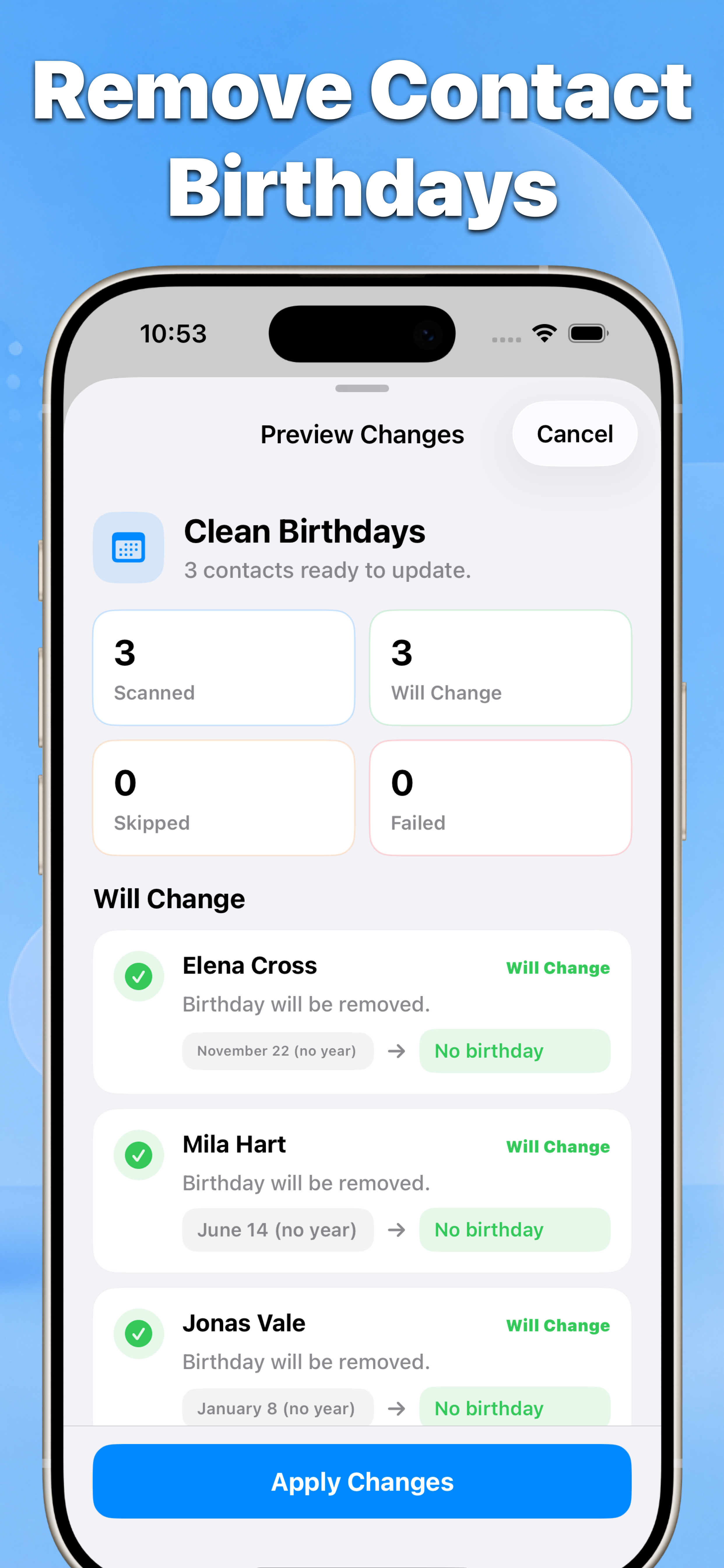
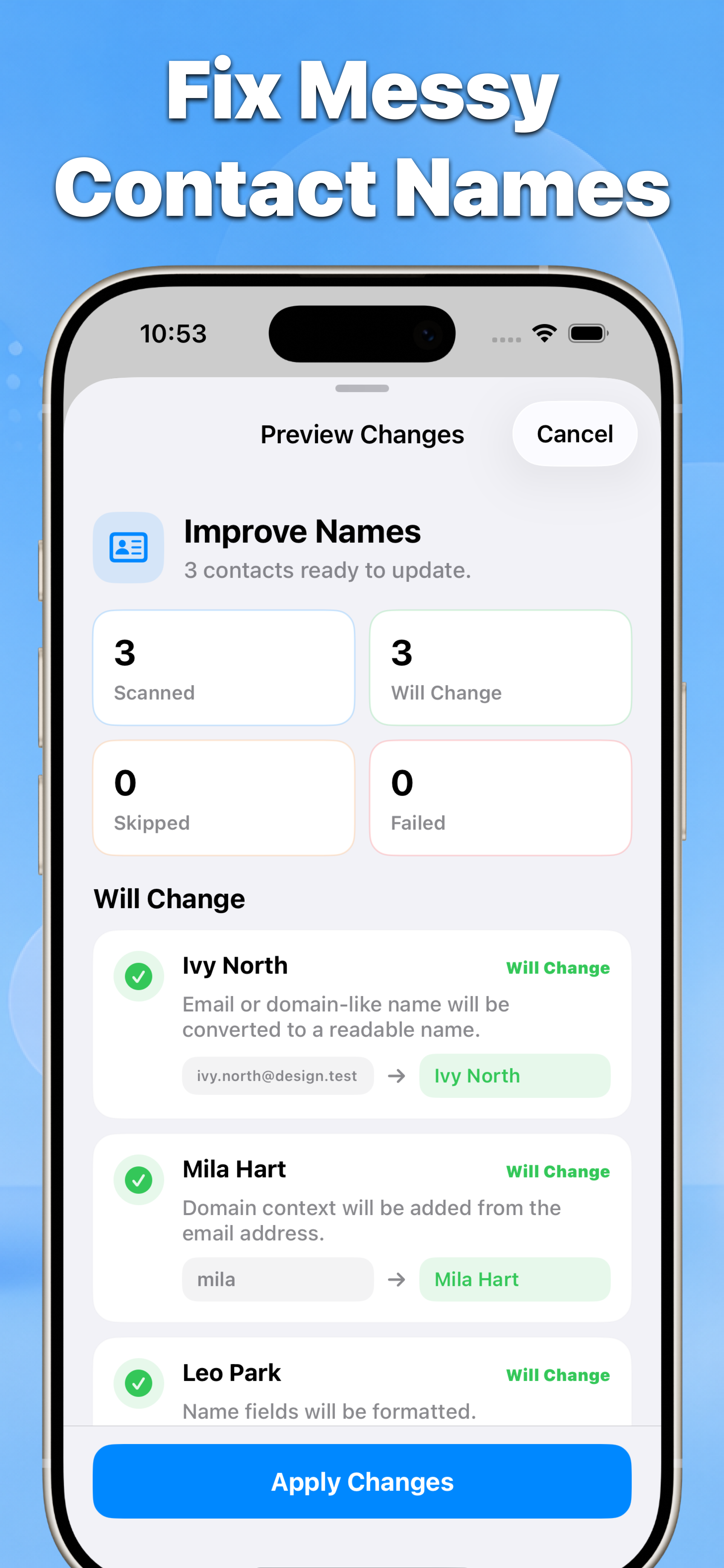
Google sync review के बाद Google contacts safely sync करना Contacts delete करें iPhone पर multiple contacts delete करना Backup और restore dated vCard backups बनाना, restore या export करना Duplicates merge करें iPhone पर duplicate contacts merge करना Photos खोजें missing contact photos खोजना Names ठीक करें messy contact names ठीक करना Birthdays हटाएं contacts से saved birthdays हटाना Email-only साफ करें email-only contacts साफ करना
पहले review
Select, preview, फिर apply
हर cleanup review list से शुरू होता है और result summary पर खत्म होता है, इसलिए control आपके पास रहता है.
Review करने वाले contacts या groups चुनें.
Result preview करें और changes confirm करें.
गाइड
Search intent के लिए बने guides
हर guide पहले native iPhone option समझाता है, फिर दिखाता है कि Contacts कब safer shortcut है.
guide iPhone पर contacts साफ करना guide dated vCard backups बनाना, restore या export करना guide review के बाद Google contacts safely sync करना guide iPhone पर duplicate contacts merge करना guide iPhone पर multiple contacts delete करना guide email-only contacts को vCard में export करना guide contacts से saved birthdays हटाना guide messy contact names ठीक करना feature email-only contacts को vCard में export करना feature review के बाद email-only contacts delete करना
भरोसा
Privacy-first design
Contacts access selected fields scan करने, previews दिखाने और confirmed changes save करने के लिए है.
iPhone contacts साफ करने के लिए ready?
Review से शुरू करें, जरूरी contacts रखें और केवल चुने हुए fixes apply करें.
 Contacts App Store से डाउनलोड करें