
Delete contacts on iPhone
Apple Contacts supports individual deletion, but reviewing a large filtered set before removal can be slow and difficult to audit.
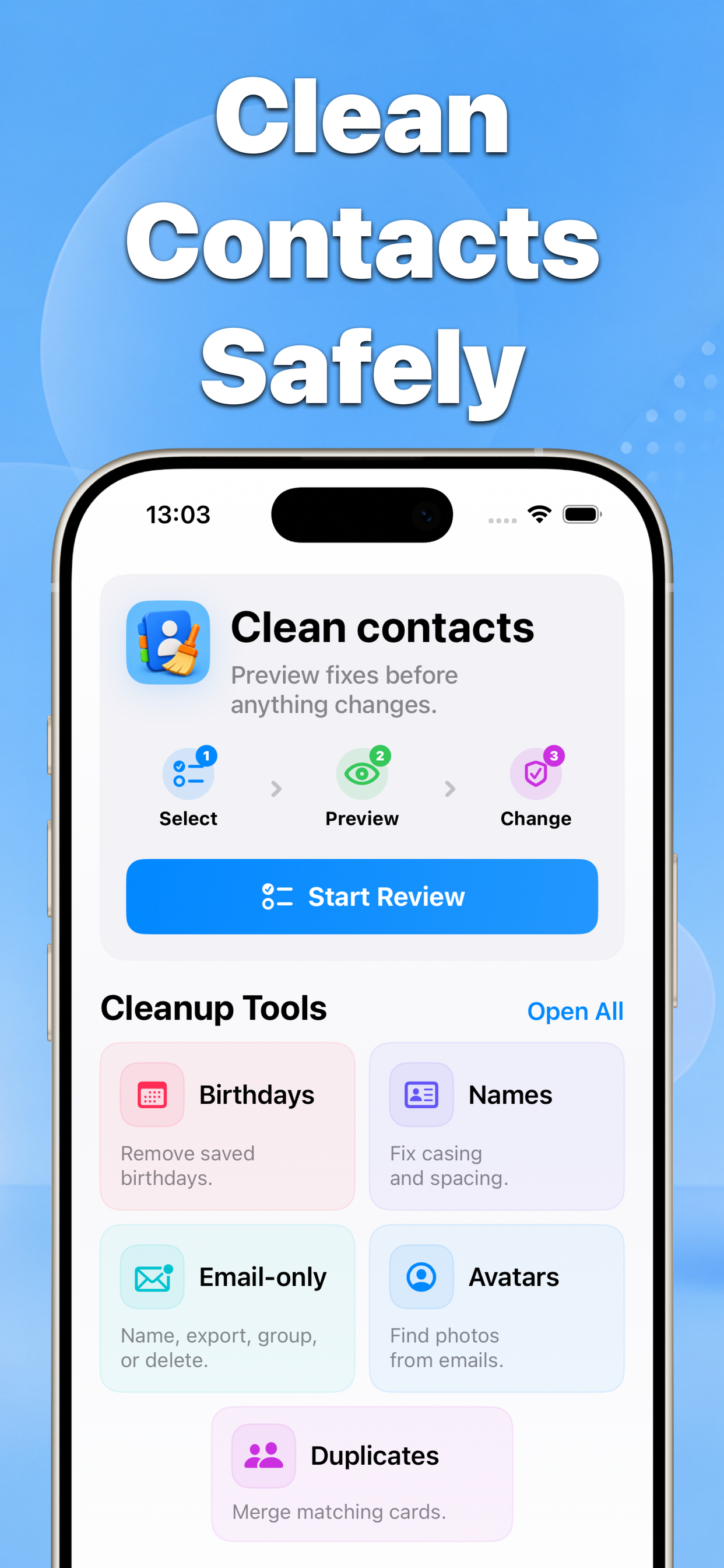
Contacts helps you filter the address book, select exactly what should be removed, and inspect the complete deletion plan before confirming it.
How smart delete works in Contacts
Choose a filter, review every matching contact, adjust the selection, and approve the final preview. Nothing is deleted until you explicitly apply the change.
Before delete multiple contacts safely with smart filters and a preview
After Smart delete
Why this matters
Bulk deletion is destructive, so a visible review step helps protect contacts that should remain in the address book.
- No blind bulk edits
- Before-and-after results
- Built for iPhone contacts
Recommended workflow
- Choose the Delete tool and select a smart filter.
- Review the matching contacts and remove anything you want to keep from the selection.
- Inspect the final preview, then confirm the deletion.
FAQ
Does Contacts delete matching contacts automatically?
No. Smart filters only prepare a selection. You review the contacts and confirm the final preview before any deletion is applied.