
Choose a cleanup tool.
Sync, back up, and clean iPhone contacts safely
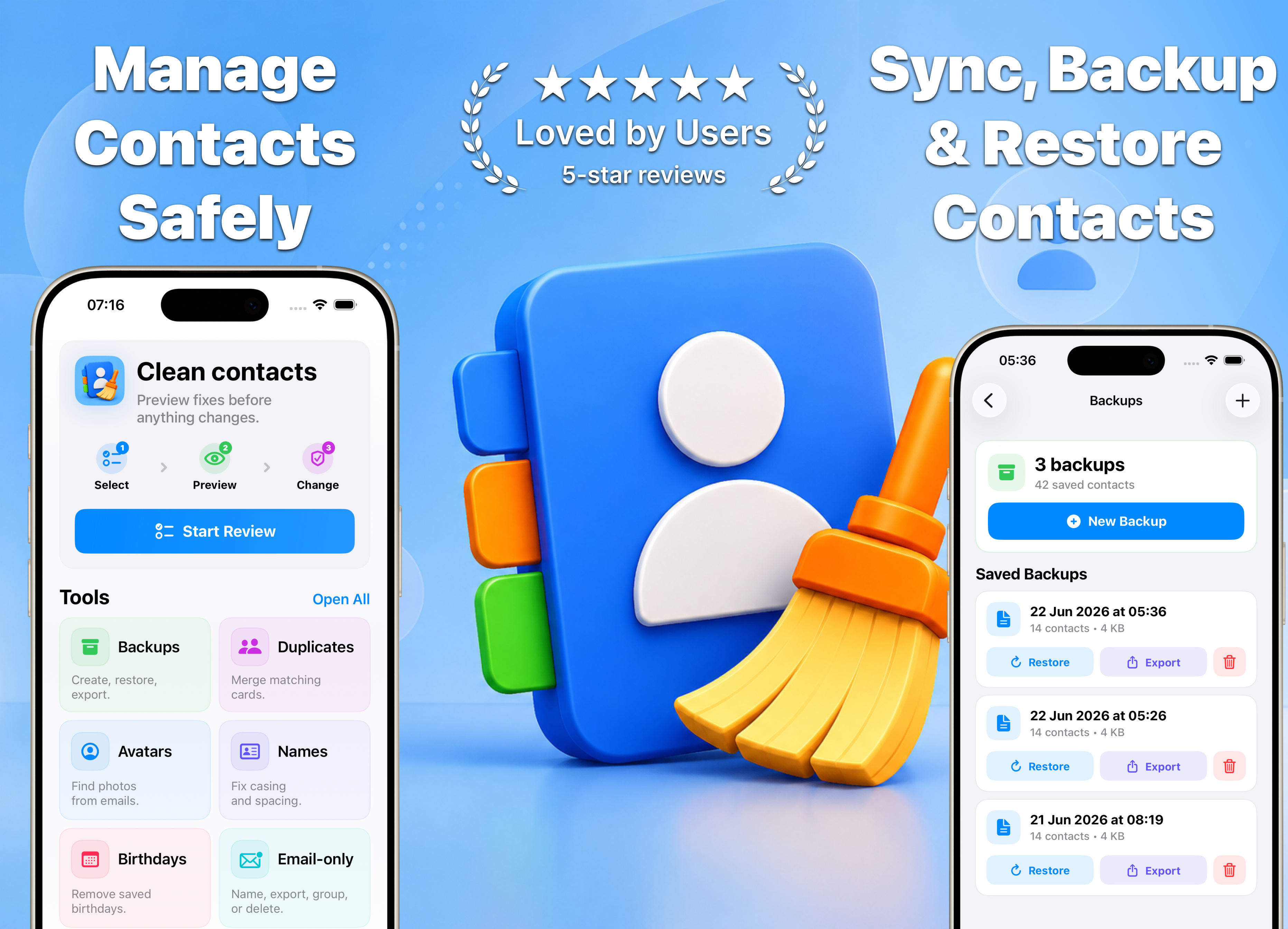
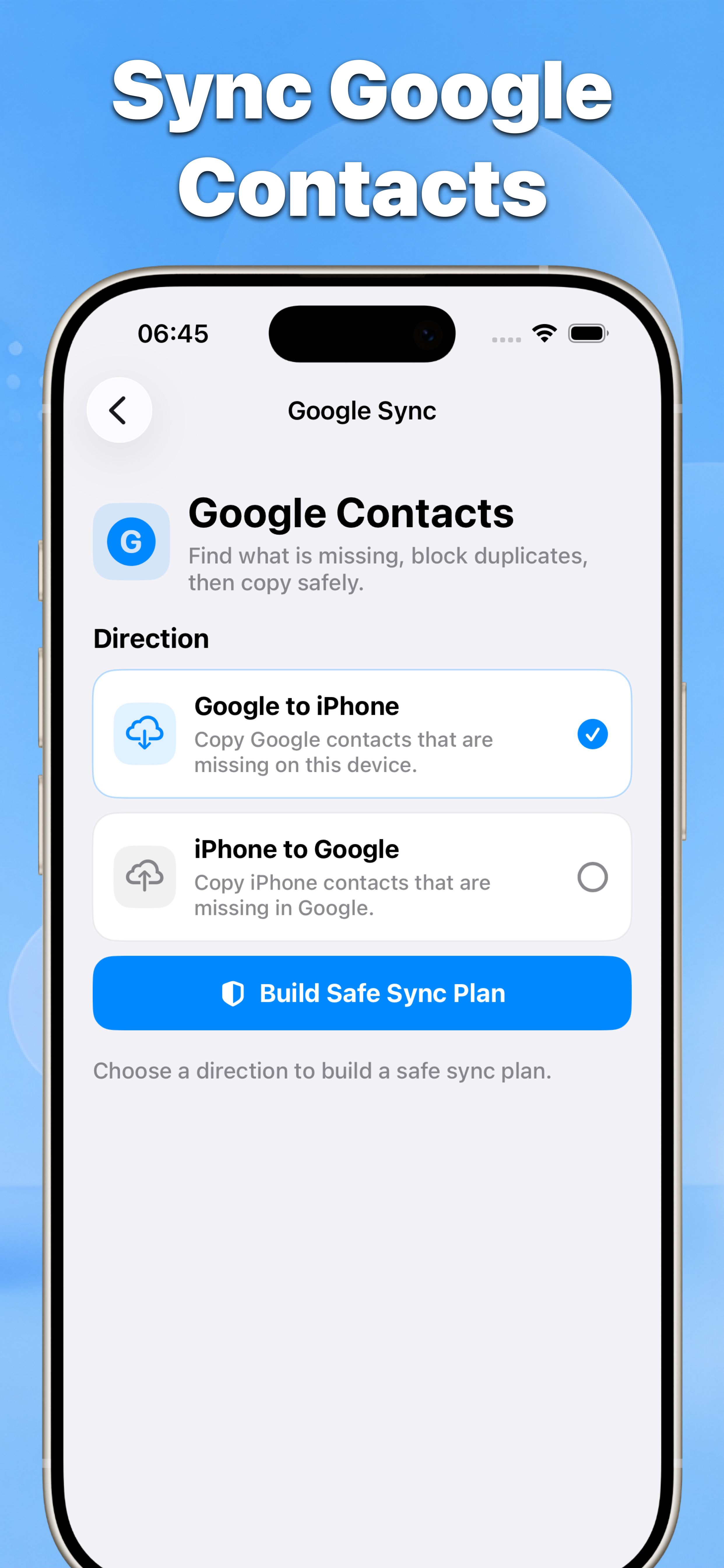
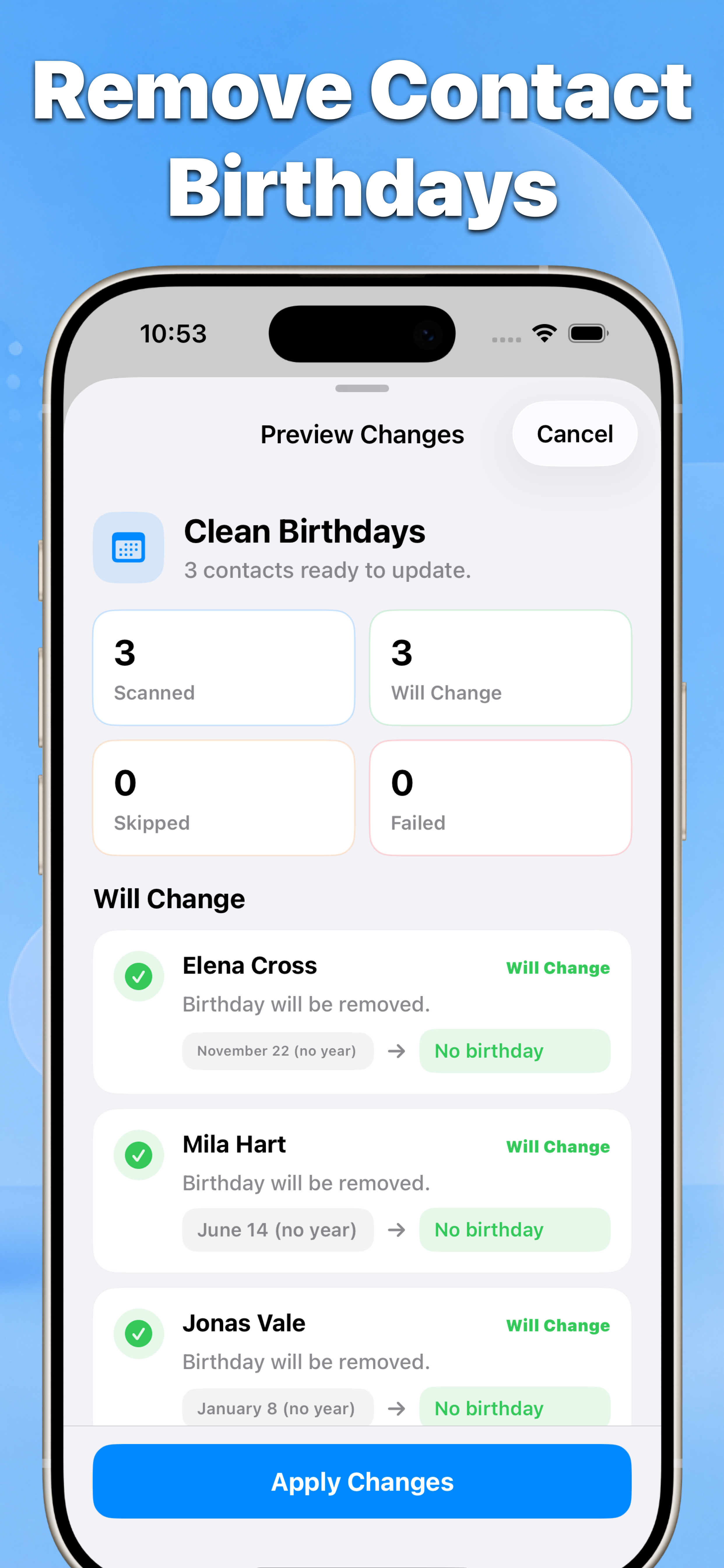
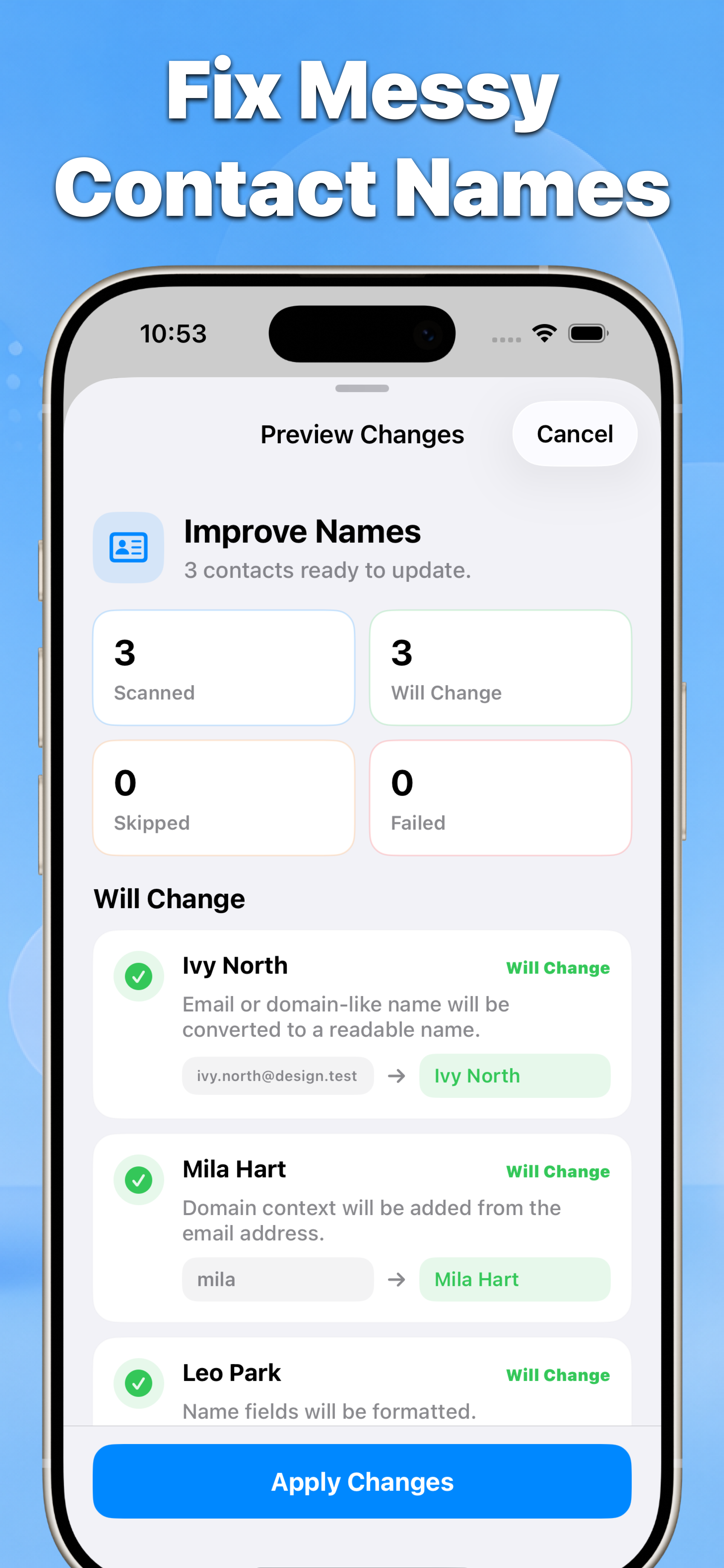
Sync Google contacts, preview smart deletions, create and restore backups, merge duplicates, find missing photos, fix names, remove birthdays, and manage email-only contacts.
- 01
- No blind bulk edits
- 02
- Before-and-after results
- 03
- Built for iPhone contacts
Features
Eight tools for safer contact cleanup
Use Google sync, smart delete, backups, duplicate merging, avatar search, name cleanup, birthday removal, and email-only contact management—with a preview before changes are applied.
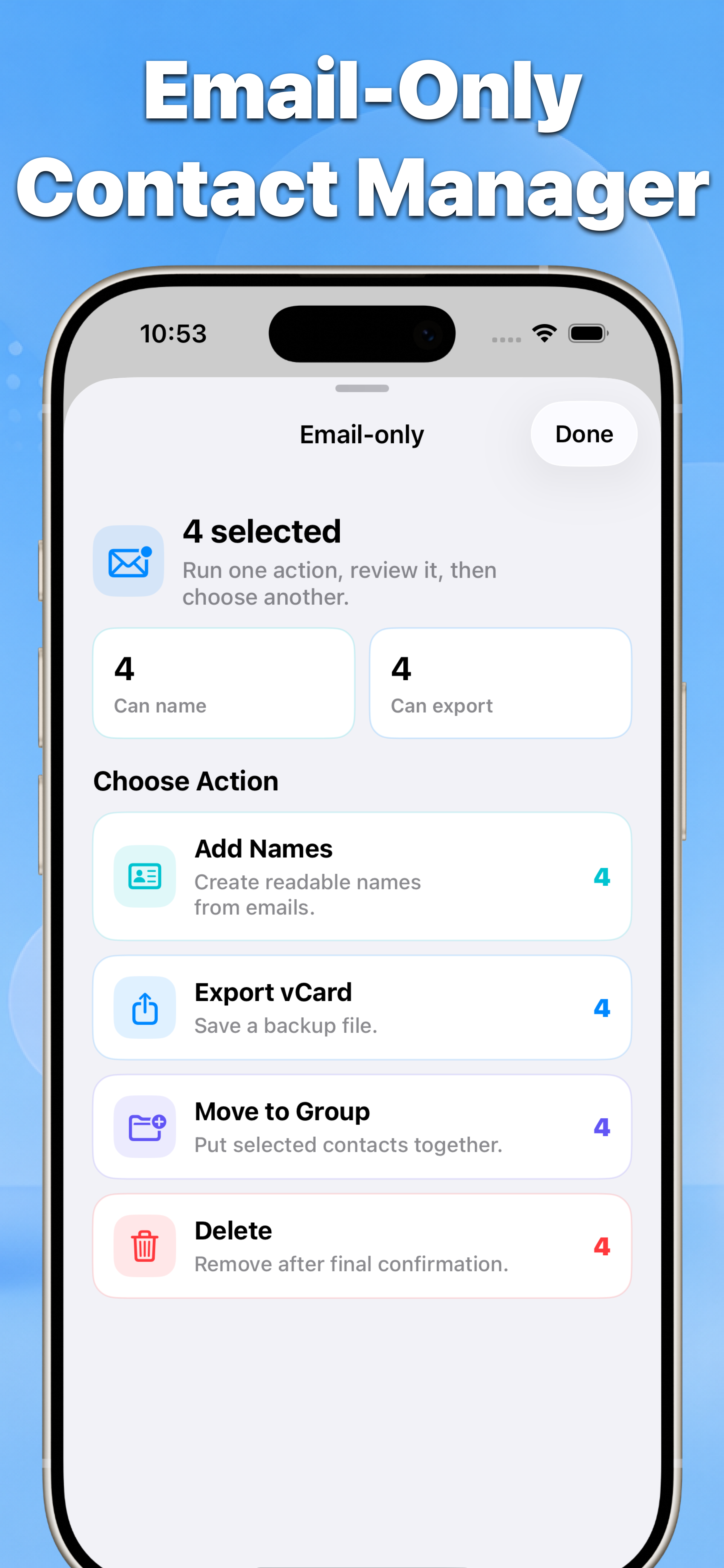
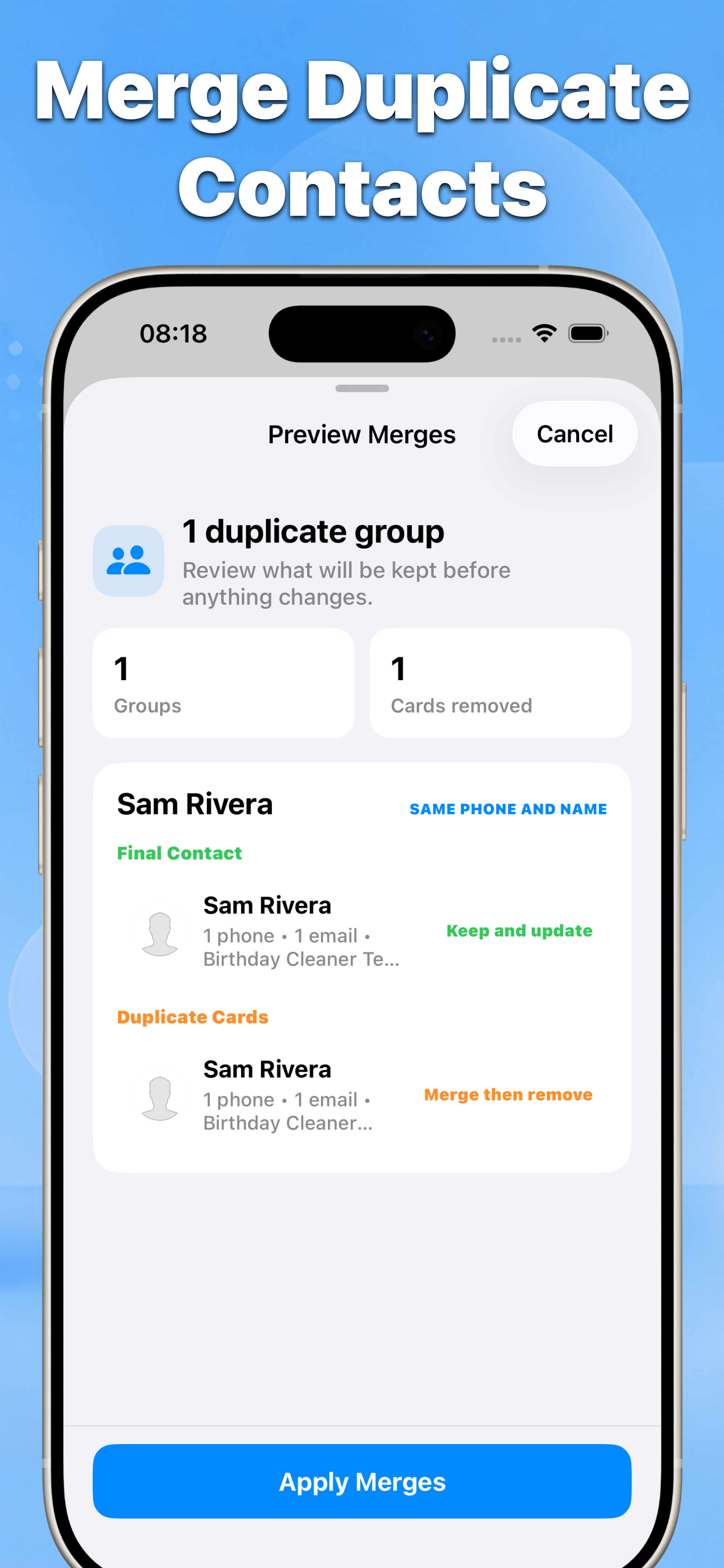
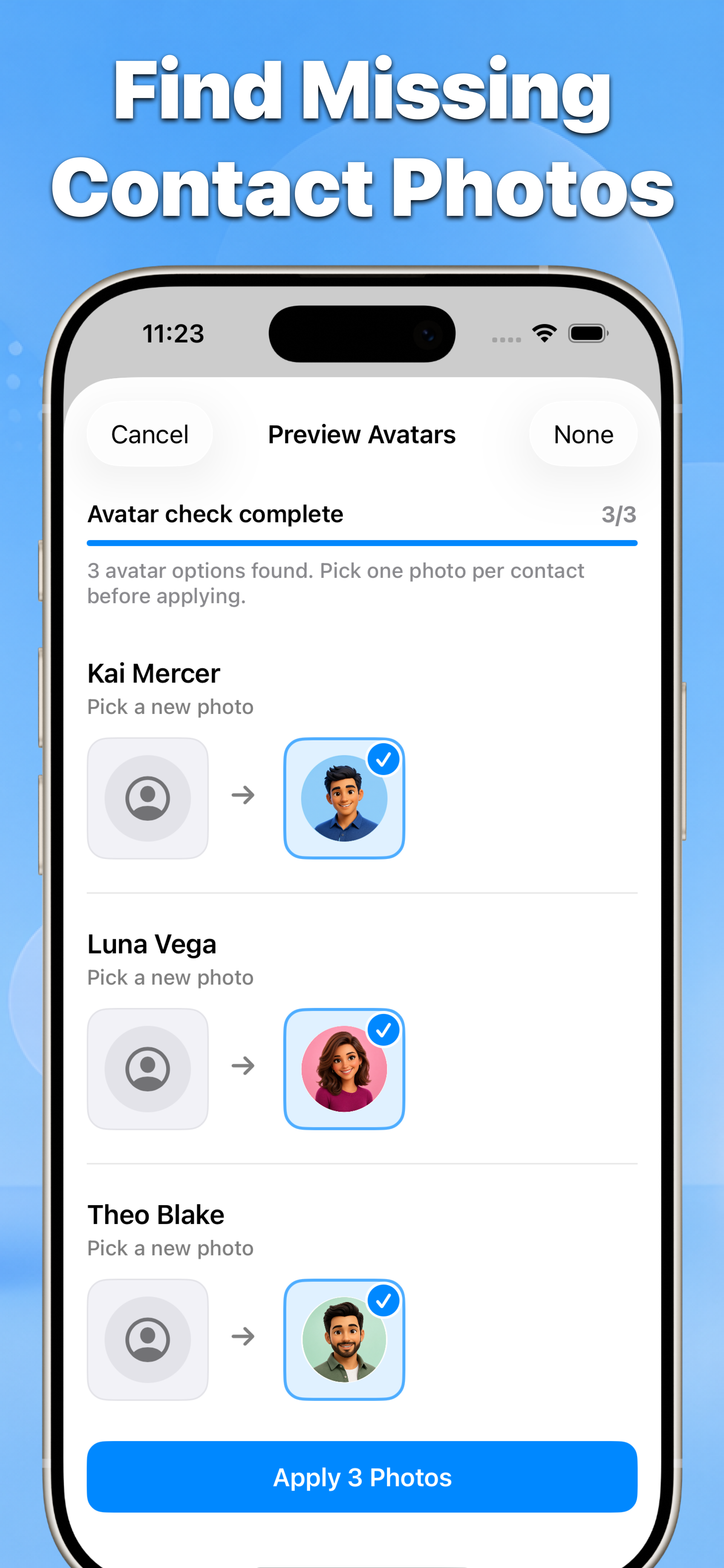
Google sync sync Google contacts safely after review Smart delete delete multiple contacts safely with smart filters and a preview Back up & restore create dated vCard backups and restore or export backup files Merge duplicates merge duplicate contacts on iPhone Find avatars find missing contact photos Fix names fix messy contact names Remove birthdays remove saved birthdays from contacts Clean email-only clean email-only contacts
Review first
Select, preview, then apply
Every cleanup starts with a review list and ends with a result summary, so you stay in control of your address book.
Select the contacts or groups you want to review.
Preview the result and confirm the changes.
Guides
Guides built for search intent
Each guide explains the native iPhone option first, then shows when Contacts is the safer shortcut.
guide clean up contacts on iPhone guide create dated vCard backups and restore or export backup files guide sync Google contacts safely after review guide merge duplicate contacts on iPhone guide delete multiple contacts safely with smart filters and a preview guide export email-only contacts to vCard guide remove saved birthdays from contacts guide fix messy contact names feature export email-only contacts to vCard feature delete email-only contacts after review
Trust
Private by design
Contacts access is used to scan selected address book fields, show previews, and save only confirmed changes.
Ready to clean your iPhone contacts?
Start with a review, keep what matters, and apply only the fixes you choose.
 Contacts Download on the App Store