
Native Google contacts sync
iOS can add a Google account and sync contacts, but a direct sync can mix new Google cards with existing iPhone contacts before you have reviewed the result.
This page explains how to sync Google contacts to iPhone with a safer review step, so duplicate, low-info, and existing contacts stay under your control.
How Contacts handles Google sync
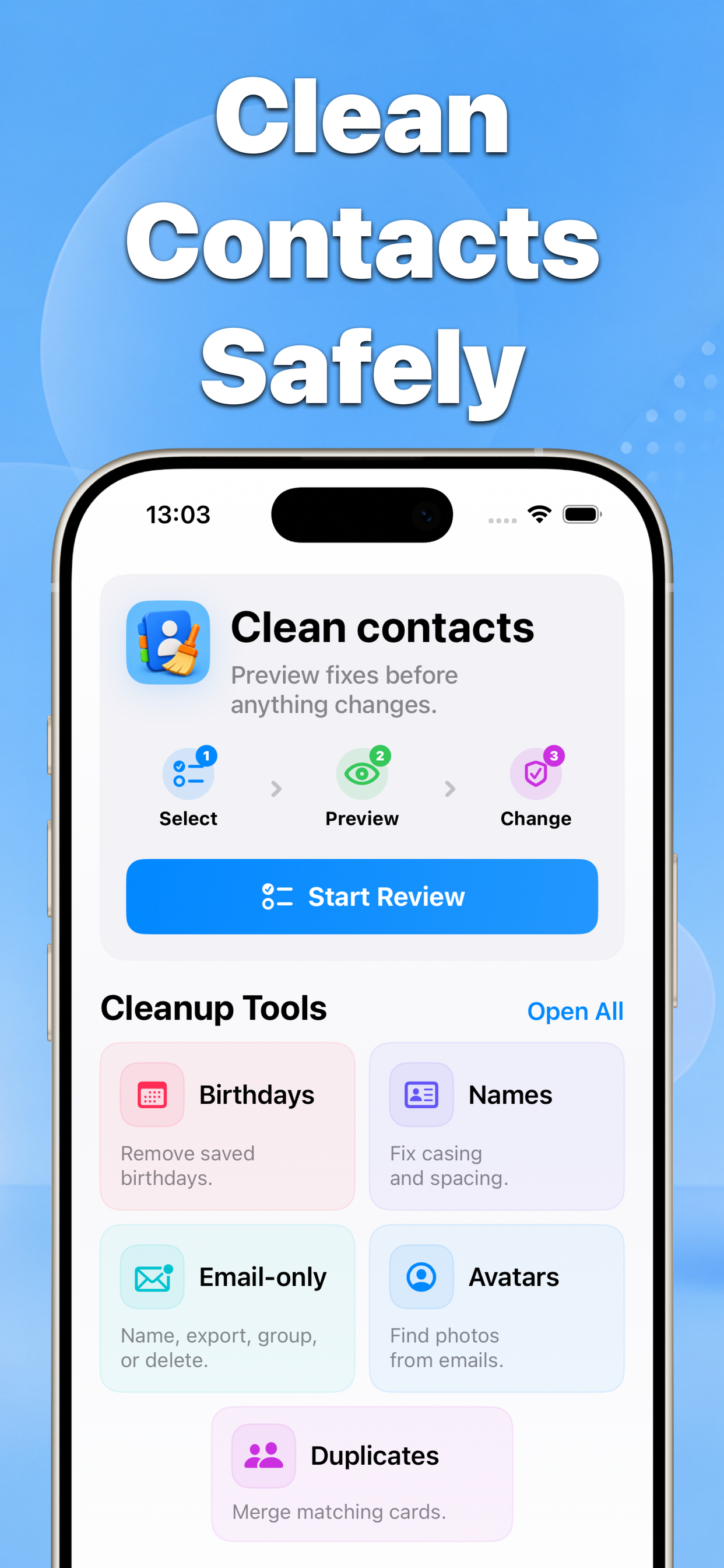
Contacts lets you review Google contacts before applying changes, copy missing contacts, and keep matched or low-info cards protected until you confirm them.
Why this matters
Google sync is useful, but contact lists often contain duplicates, partial records, and older lead data. A review-first workflow prevents accidental address book clutter.
- No blind bulk edits
- Before-and-after results
- Built for iPhone contacts
Recommended workflow
- Connect the Google contact source you want to review.
- Preview missing, matched, and low-info contacts before syncing anything.
- Apply only the Google contacts you choose, then create a backup for rollback.
FAQ
Can Contacts sync Google contacts without changing everything automatically?
Yes. The Google sync workflow is built around review and confirmation, so contacts are not blindly copied before you approve the changes.