安全清理 iPhone 聯絡人

找出重複聯絡人、只有 email 的聯絡人、混亂姓名、生日和缺少照片。建立帶日期的 vCard 備份,並在套用前預覽每項變更。

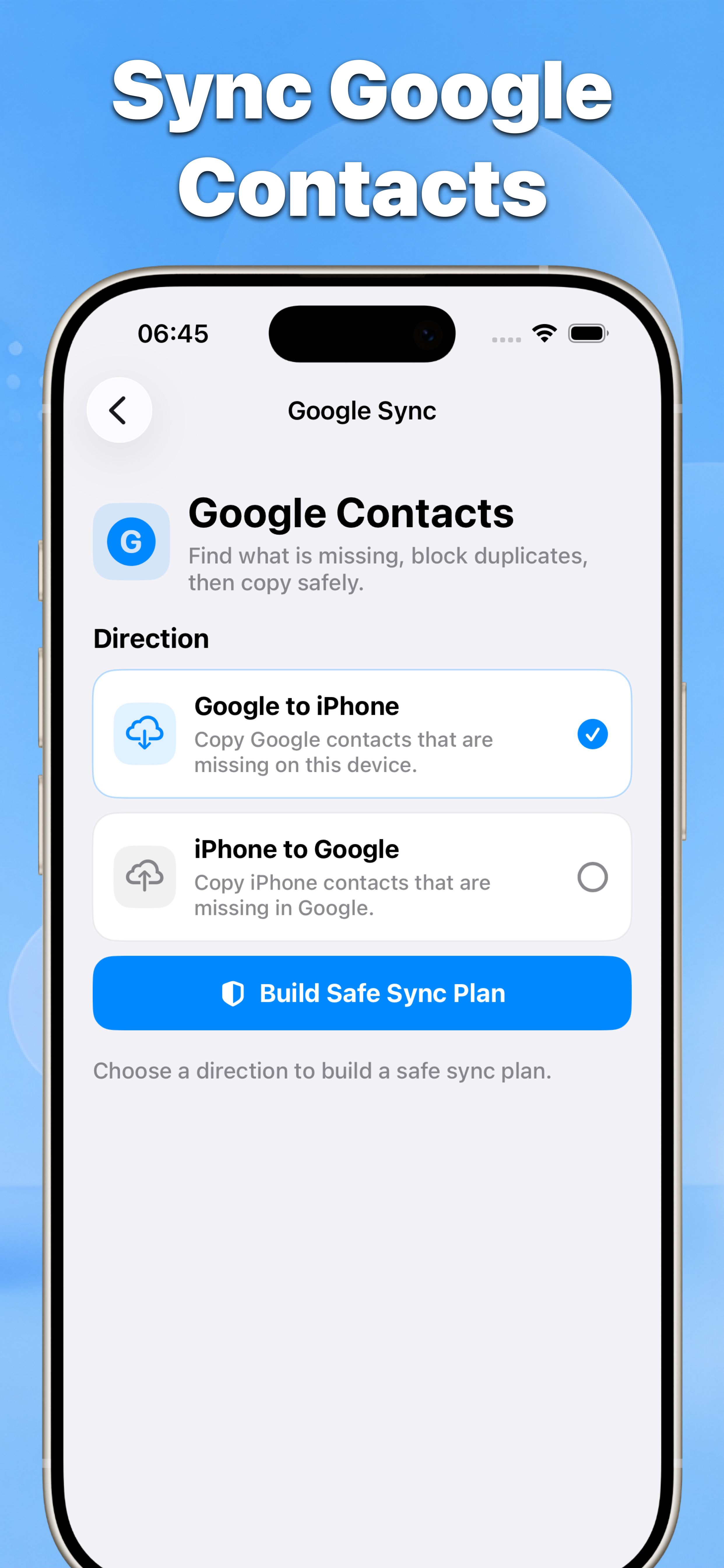
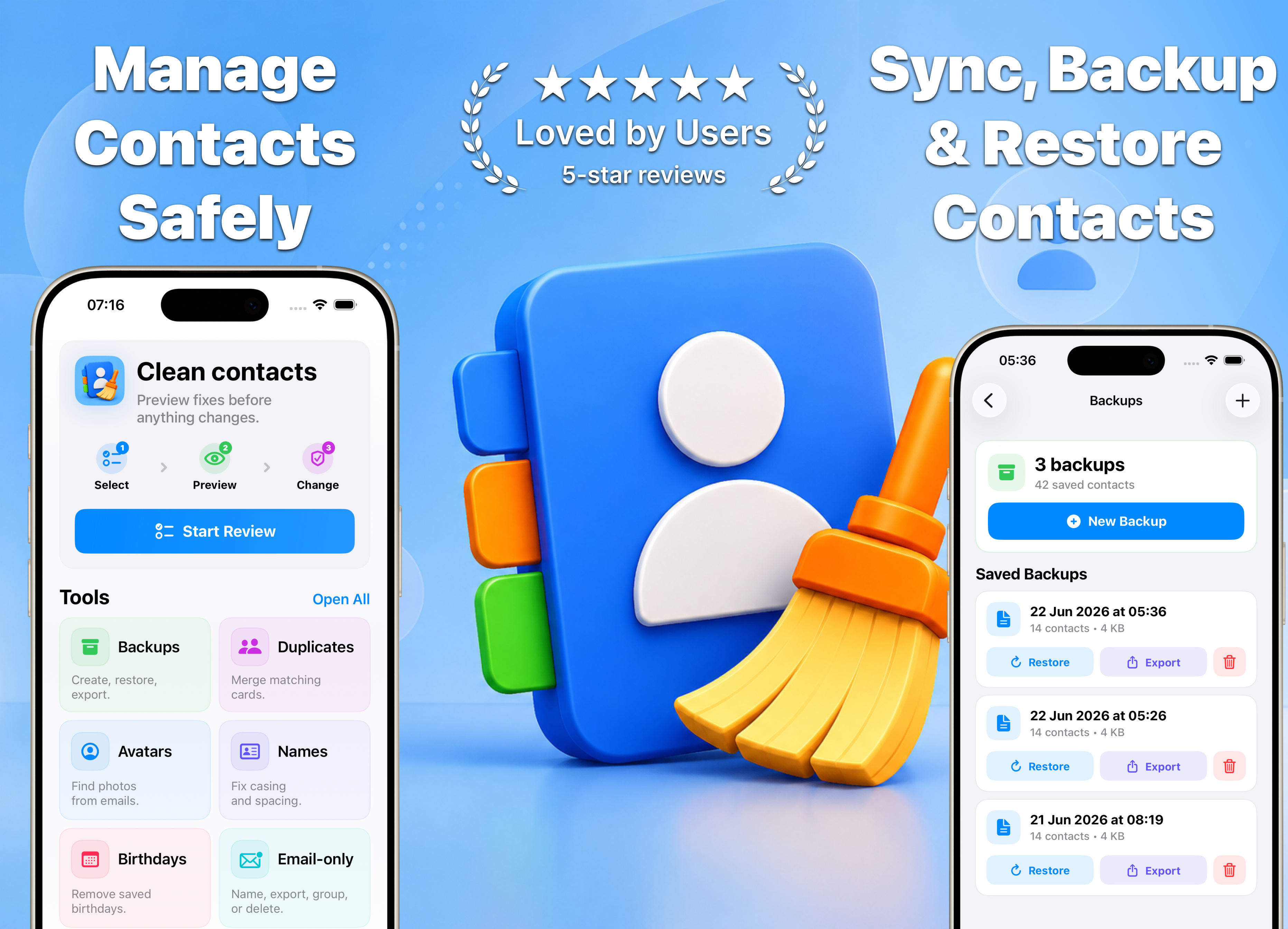
Contacts hero graphic showing safe contact cleanup, Google sync, backups, and restore tools
01
不盲目批次編輯
02
變更前後結果
03
為 iPhone 聯絡人打造

為混亂通訊錄設計的一個檢查流程

Contacts 專注處理匯入、同步衝突和多年使用後累積的聯絡人問題。

選擇、預覽、再套用

每次清理都從檢查列表開始,以結果摘要結束,讓你保持控制。

1

選擇清理工具。

2

選擇要檢查的聯絡人或群組。

3

預覽結果並確認變更。

Contacts Google Contacts sync direction and safe sync plan preview
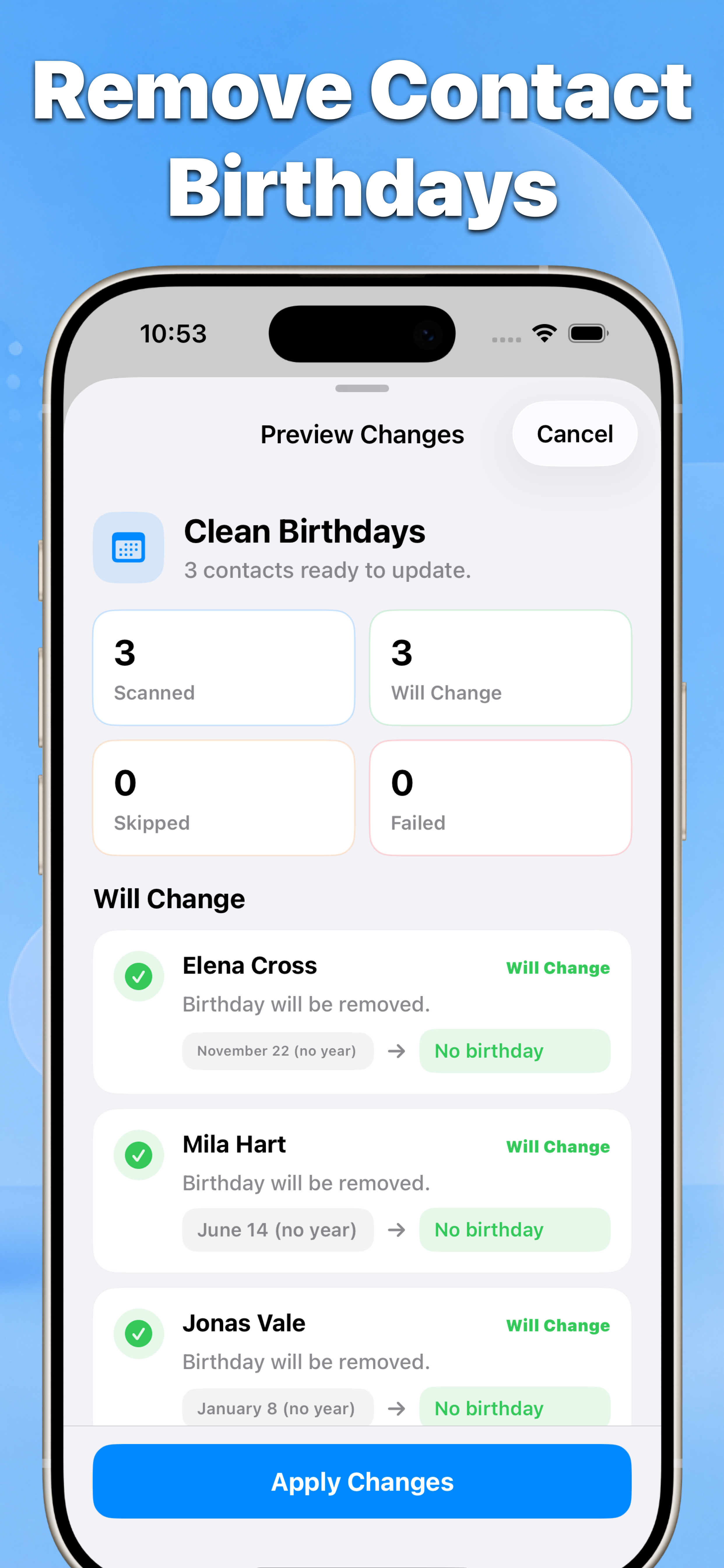
Contacts remove contact birthdays preview with changes listed before applying
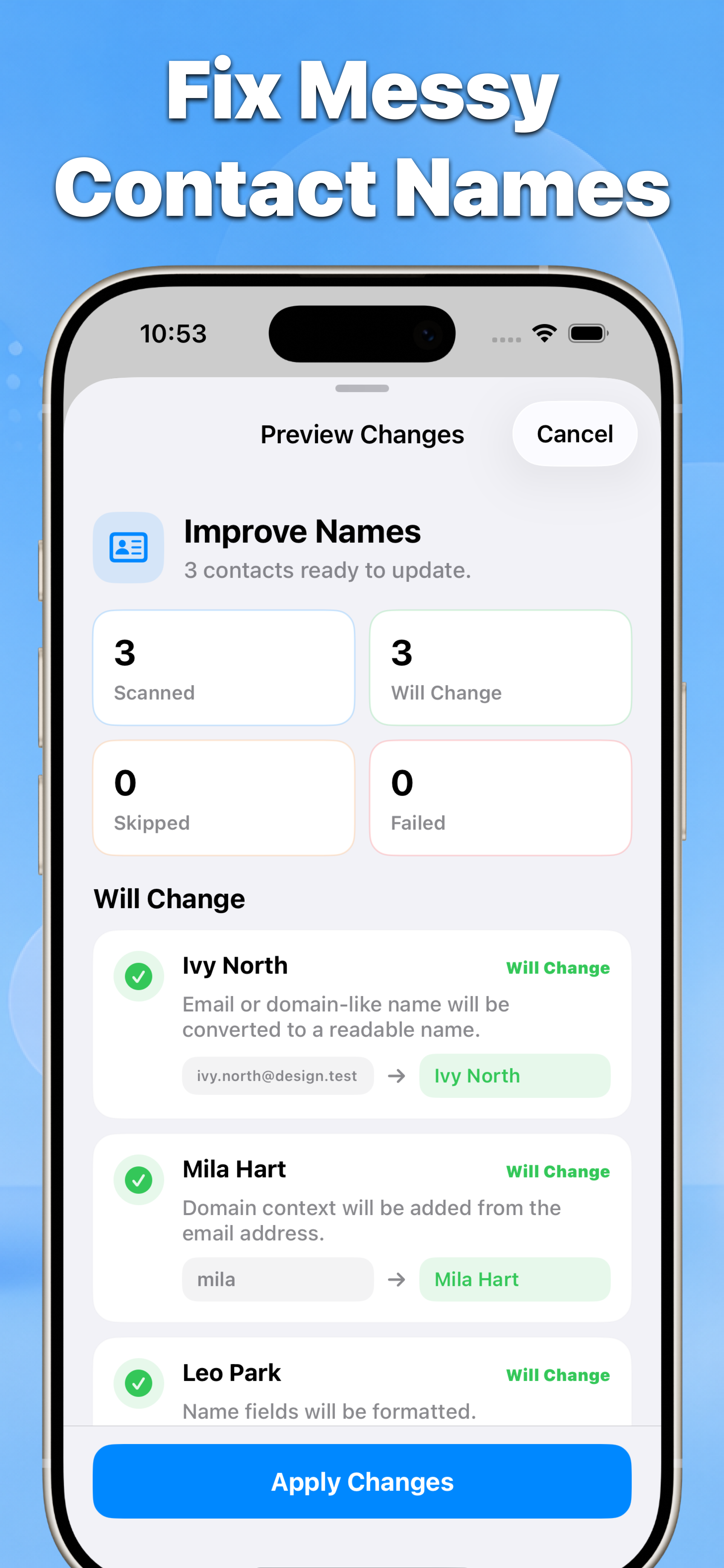
Contacts fix messy contact names preview with before and after values
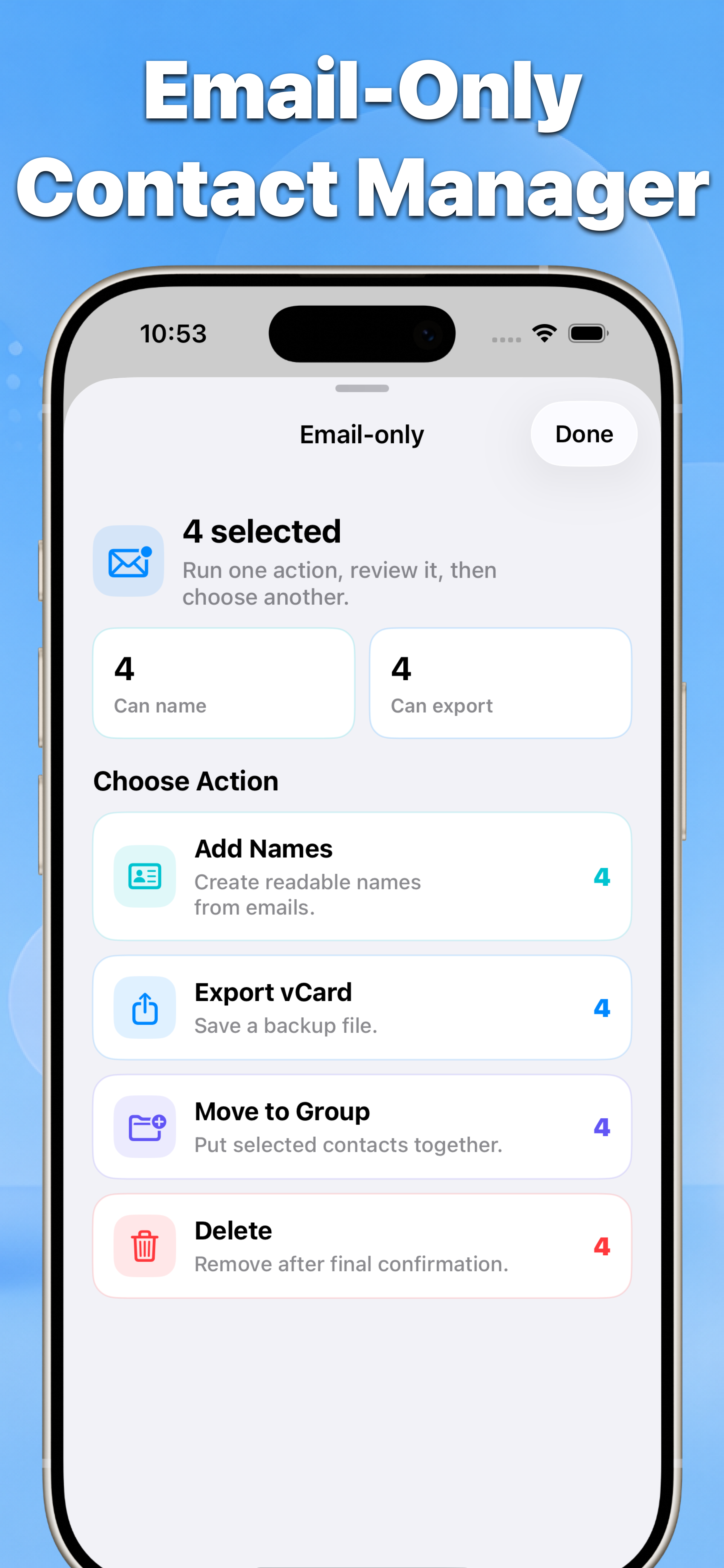
Contacts email-only contact manager with name, export, group, and delete actions
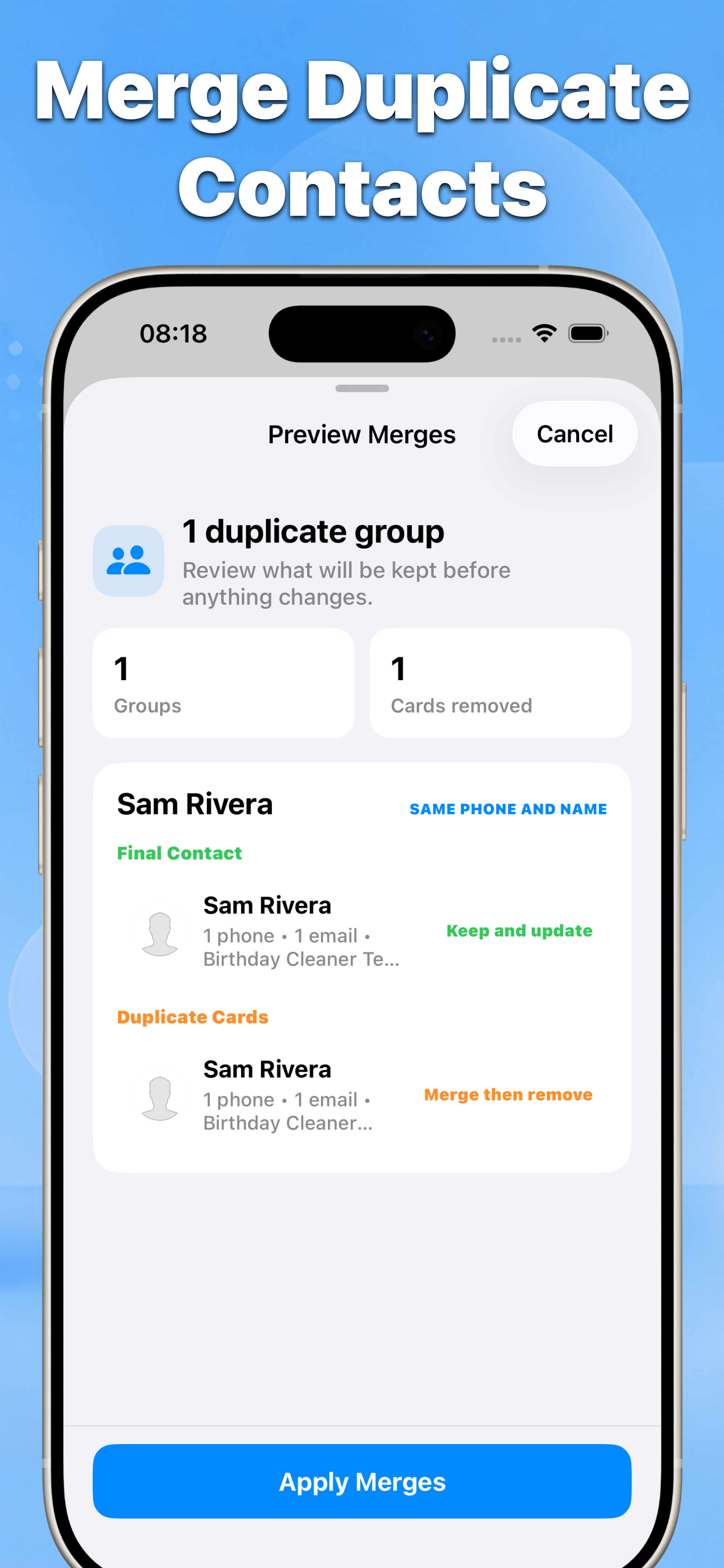
Contacts merge duplicate contacts preview showing the final contact and duplicate cards
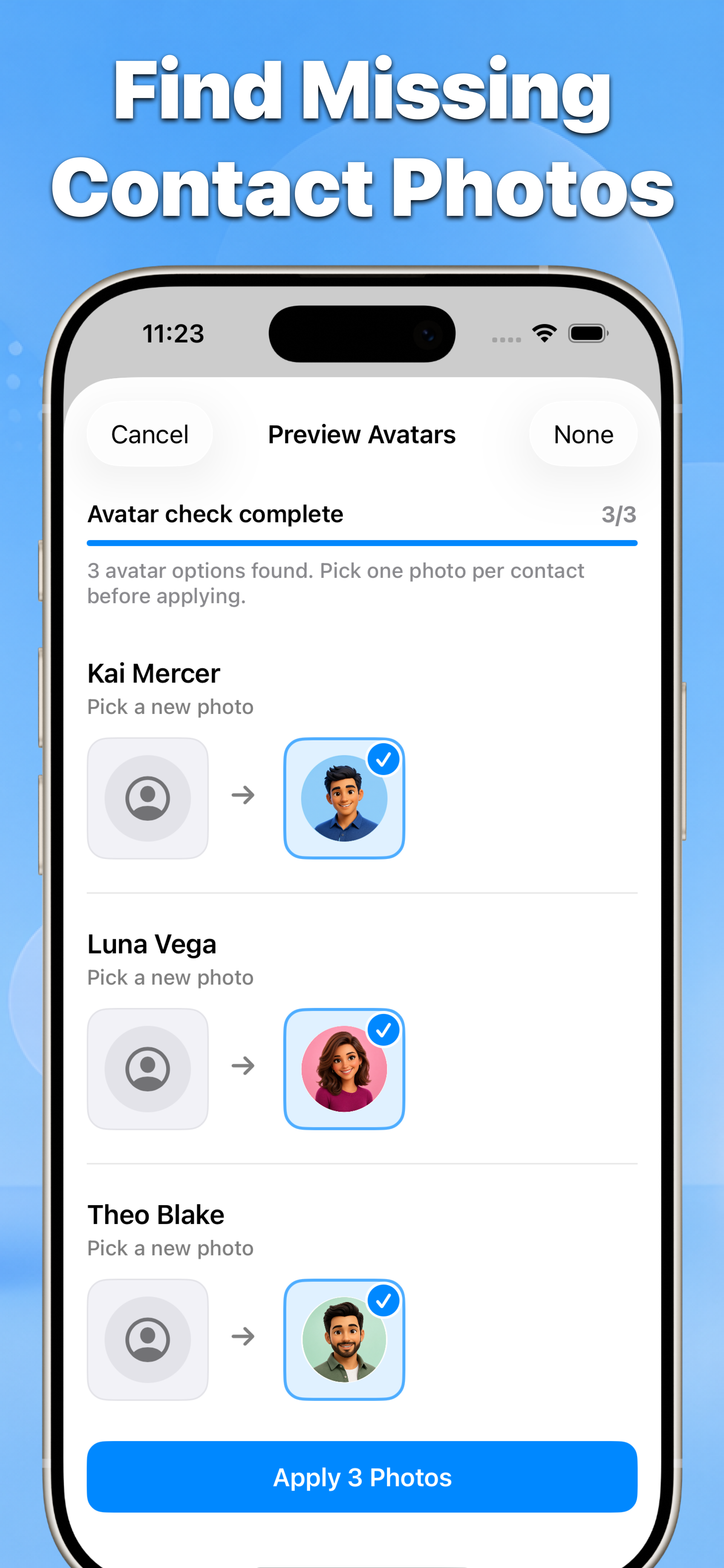
Contacts find missing contact photos preview with selectable avatar suggestions

根據搜尋意圖建立的指南

每篇指南先說明 iPhone 原生方法,再說明何時使用 Contacts 更安全。

guide 清理 iPhone 聯絡人 guide 建立帶日期的 vCard 備份、還原或匯出 guide 檢查後安全同步 Google 聯絡人 guide 合併 iPhone 重複聯絡人 guide 在 iPhone 上刪除多個聯絡人 guide 將只有 email 的聯絡人匯出為 vCard

以隱私為核心設計

聯絡人權限用於分析所選欄位、顯示預覽,並只儲存確認後的變更。

準備好清理 iPhone 聯絡人了嗎?

先檢查,保留重要內容,只套用你選擇的修正。
Contacts 在 App Store 下載