
Start with a contact audit, not a delete button
Before changing anything, identify where the contacts are stored, create a current backup, and separate duplicate, incomplete, email-only, and outdated records into review groups.
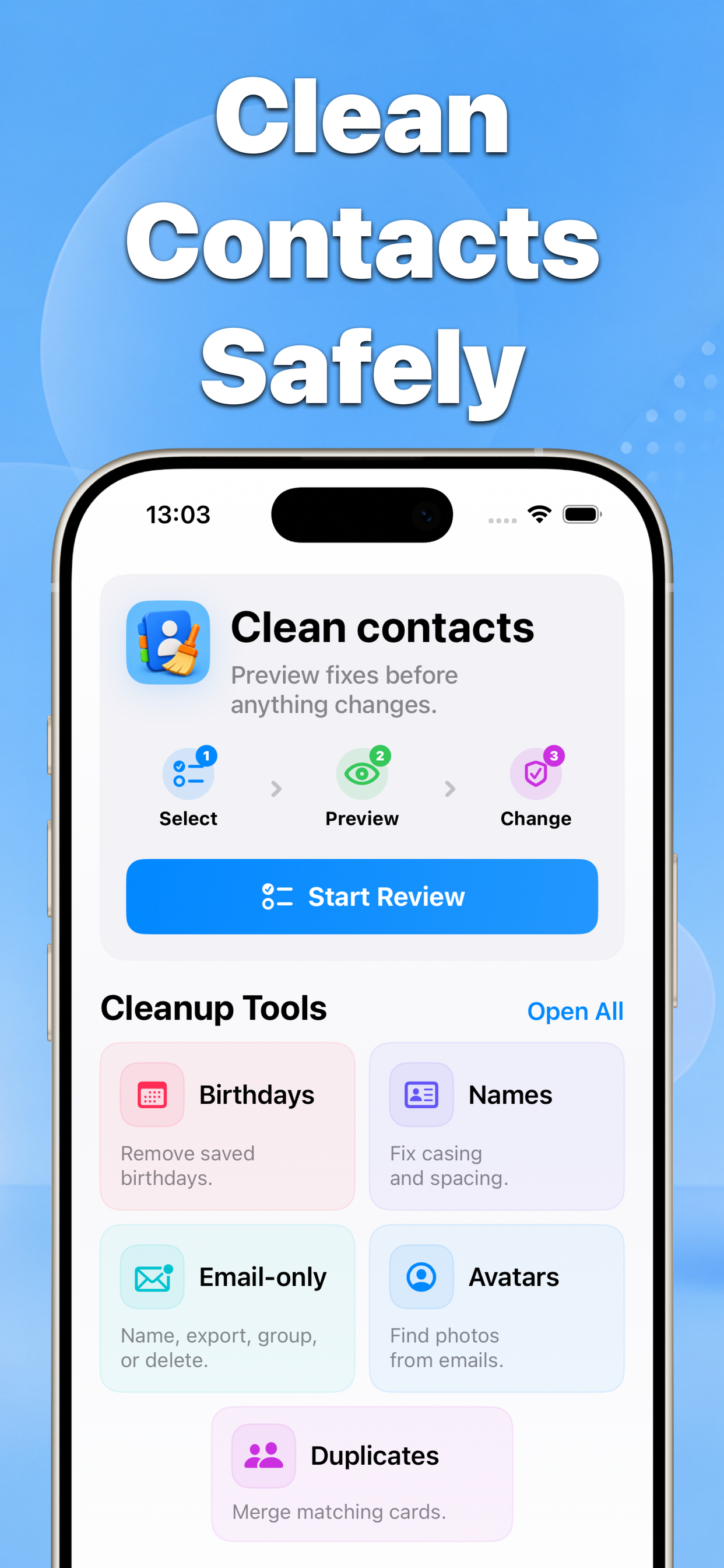
This workflow prioritizes reversibility: back up, review one problem type at a time, inspect the preview, and confirm a small batch before continuing.
A safe iPhone contact cleanup sequence
Contacts groups cleanup tools around specific problems, so you can review duplicates, names, birthdays, photos, and email-only entries without treating the address book as one destructive bulk edit.
Why this matters
Contacts may sync through iCloud, Google, or another account. A staged review makes it easier to understand which source and which change produced the result.
- No blind bulk edits
- Before-and-after results
- Built for iPhone contacts
Recommended workflow
- Create a dated vCard backup before editing.
- Choose one cleanup category and review every proposed match.
- Apply a small confirmed batch, check the result, then continue.
FAQ
What should I do before cleaning up iPhone contacts?
Create a current backup and confirm which accounts sync contacts. Then work through one problem category at a time and preview every change before saving.