

Identify why the name looks wrong
Imported contacts may place an entire name in one field, reverse first and last names, use inconsistent capitalization, or include email fragments. Check the source before applying a pattern broadly.
Choose a consistent naming rule, review exceptions such as organizations and compound family names, and apply changes only after previewing the result.
Review normalized names before saving
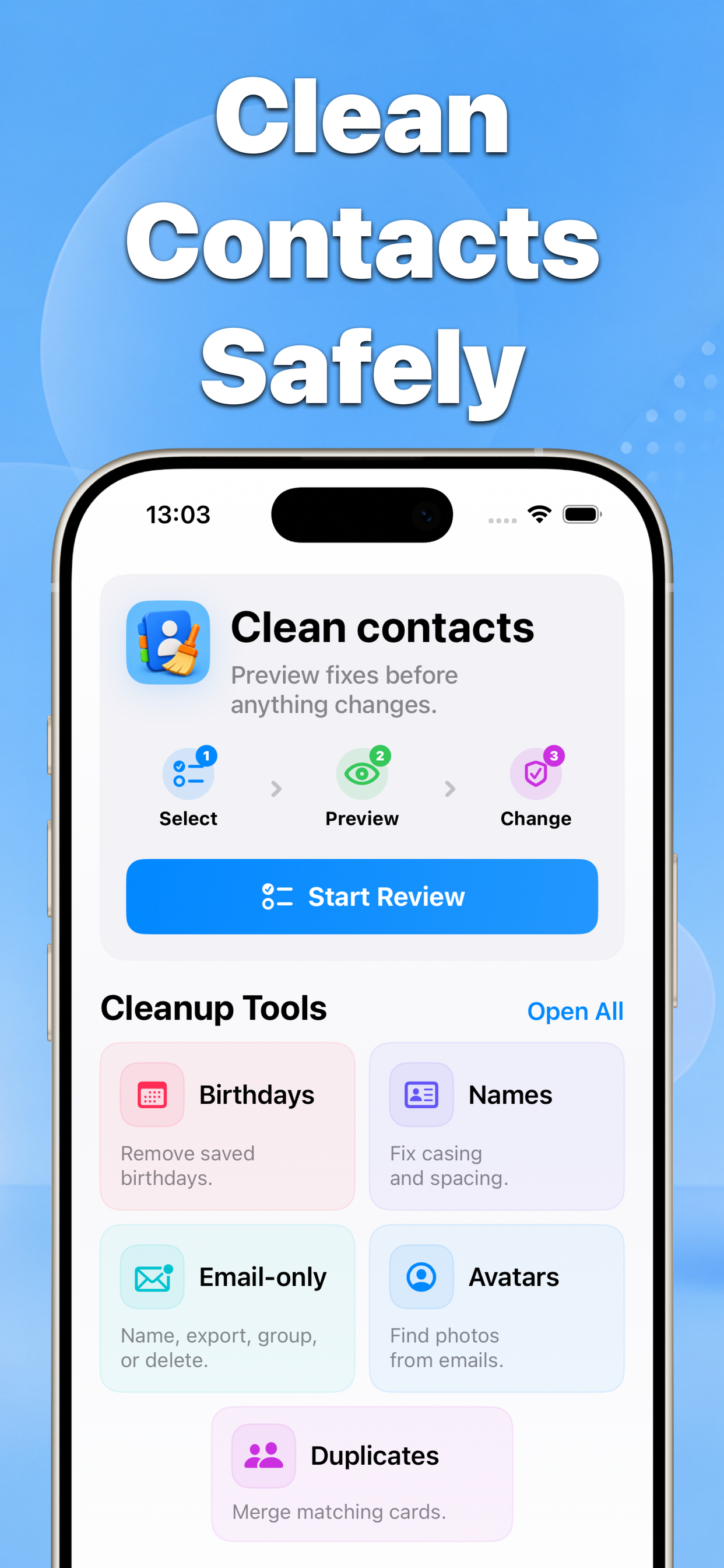
Contacts groups likely name issues and shows the proposed result so you can keep exceptions out of the batch.
Why this matters
Names vary by language, culture, organization, and personal preference. Automated cleanup should remain a suggestion that the user reviews.
- No blind bulk edits
- Before-and-after results
- Built for iPhone contacts
Recommended workflow
- Back up contacts and choose the specific name issue to review.
- Check organizations, compound names, prefixes, and cultural naming order.
- Preview the corrected fields and confirm only accurate changes.
FAQ
Should every iPhone contact have separate first and last name fields?
Not necessarily. Organizations, mononyms, compound family names, and different cultural naming conventions may be correct as saved. Review each exception before changing it.