

Check whether the birthday comes from the contact card
A birthday shown in Calendar can come from a birthday field on a synced contact. Confirm the source card before changing calendars or deleting an unrelated event.
Review the affected contacts and remove only the birthday field, leaving names, phone numbers, emails, and other useful details unchanged.
Preview birthday-field cleanup
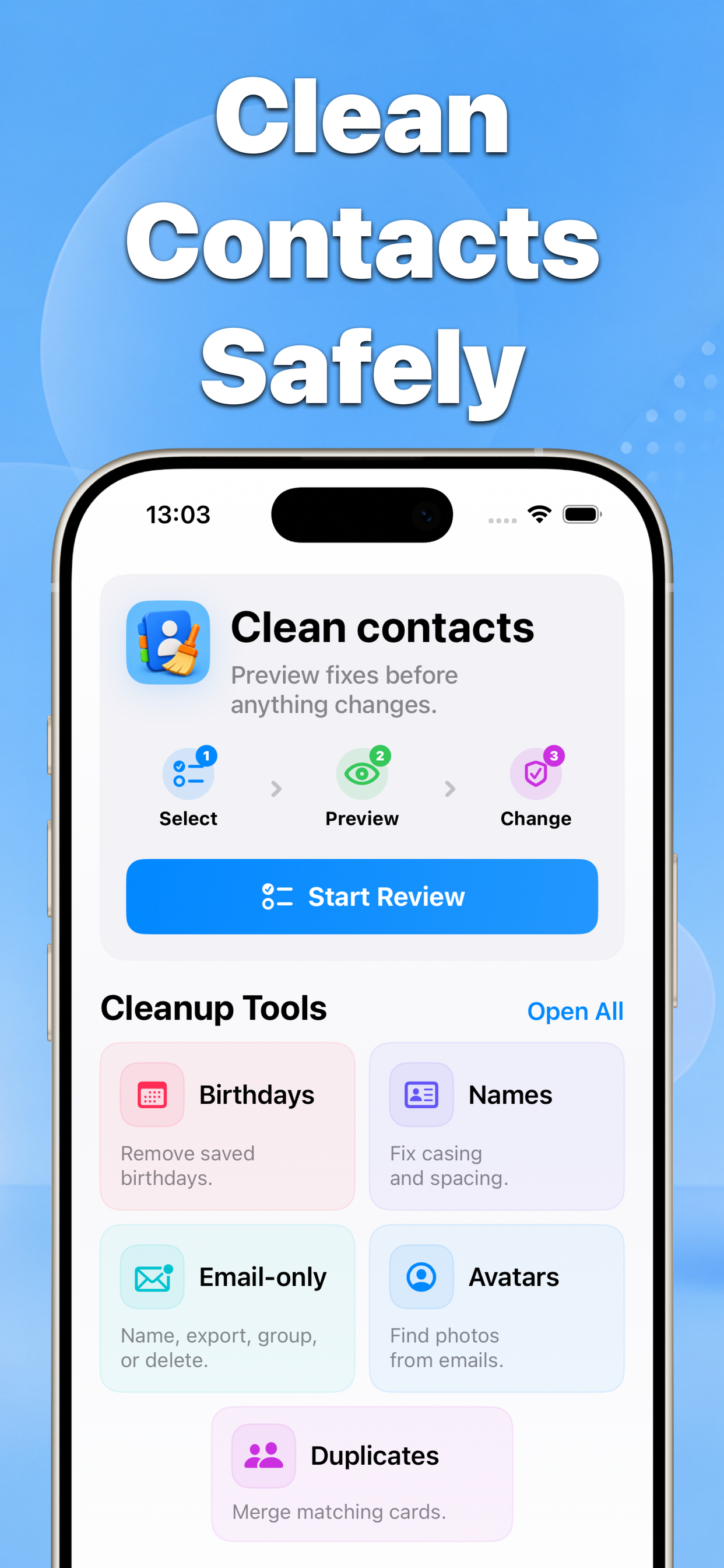
Contacts can find cards with saved birthdays and show the proposed field removal before you confirm the batch.
Before remove saved birthdays from contacts
After Remove birthdays
Why this matters
Removing a field may sync across devices and accounts. A preview makes the scope clear and a backup provides a recovery path.
- No blind bulk edits
- Before-and-after results
- Built for iPhone contacts
Recommended workflow
- Back up the address book and find contacts with birthdays.
- Review the selected cards and deselect birthdays you want to keep.
- Preview the field-only changes and confirm the batch.
FAQ
Will removing a contact birthday delete the whole contact?
No when the cleanup is limited to the birthday field. Review the preview to confirm that the contact and its other fields remain unchanged.