
Check which account owns each contact
An iPhone can show contacts from iCloud, Google, Exchange, and local sources together. Before troubleshooting sync, confirm that the Google account is enabled and identify which list contains the records you expect.
The safest sequence is to verify the source account, create a backup, review duplicates, then enable or refresh sync and inspect the combined result.
Review before and after Google contact sync
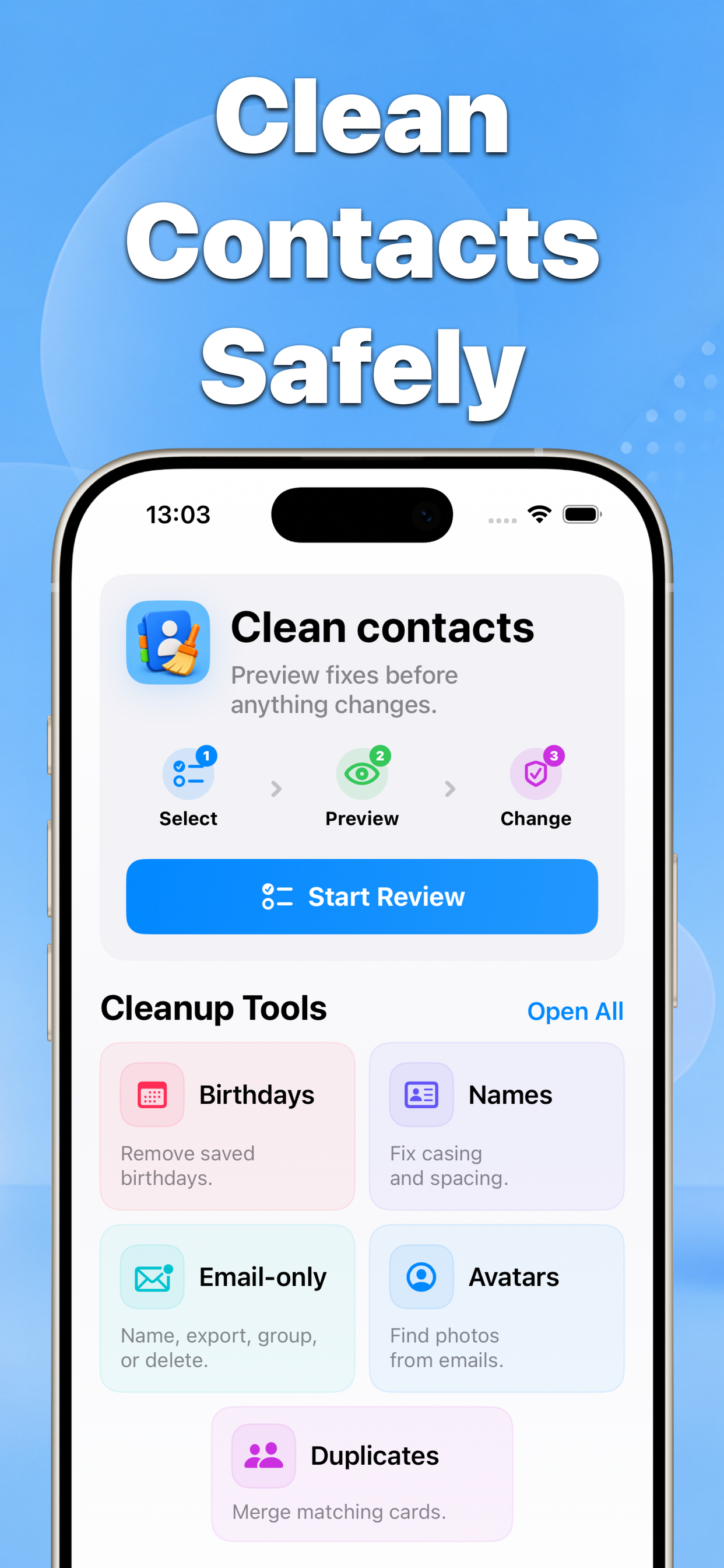
Contacts helps audit the resulting address book and preview cleanup actions after Google and iPhone contact lists appear together.
Why this matters
Turning sync on can reveal duplicates that already existed across accounts. Review ownership and matching fields before merging or deleting anything.
- No blind bulk edits
- Before-and-after results
- Built for iPhone contacts
Recommended workflow
- Confirm the Google account and Contacts switch in iPhone settings.
- Back up the current address book and note the visible account lists.
- Refresh sync, inspect the result, then review duplicates before merging.
FAQ
Why do Google contacts create duplicates on iPhone?
The same person may already exist in more than one account with different fields. Sync exposes both records; review the source and fields before deciding whether they should be merged.