
Native iPhone option
Apple Contacts and iCloud can help with simple edits, but bulk review is limited and destructive changes can be hard to audit.
This page explains how to Contacts privacy and contacts permission. Apple Contacts and iCloud can help with simple edits, but bulk review is limited and destructive changes can be hard to audit.
How Contacts helps
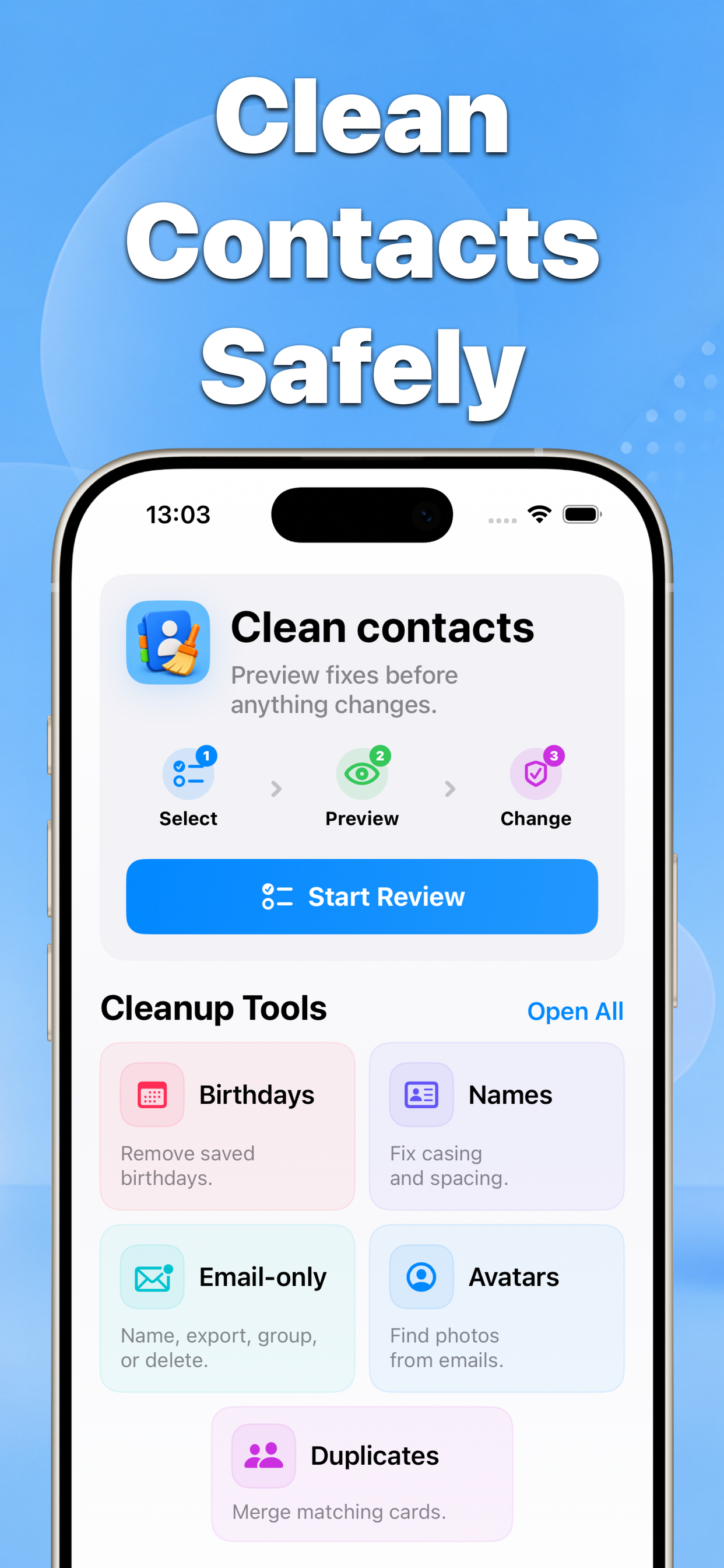
Contacts scans matching contacts, presents a before-and-after preview, and applies only the confirmed changes.
Before Contacts privacy and contacts permission
After Review privacy
Why this matters
Contacts privacy and contacts permission | Contacts focuses on a practical problem: contacts are personal data, so a cleanup tool should make the next action obvious before anything is saved.
- No blind bulk edits
- Before-and-after results
- Built for iPhone contacts
Recommended workflow
- Choose a cleanup tool.
- Select the contacts or groups you want to review.
- Preview the result and confirm the changes.
FAQ
Does Contacts change contacts automatically?
No. The app is built around previews and confirmation screens before changes are saved.